
Rechat: How to Send to Specific Tags
Last updated: Apr 14, 2026
28
views

Overview
This guide outlines how to select specific tags when sending a marketing piece in Rechat to ensure it reaches the right contacts.
Steps
- Create your email marketing piece in Rechat as usual.
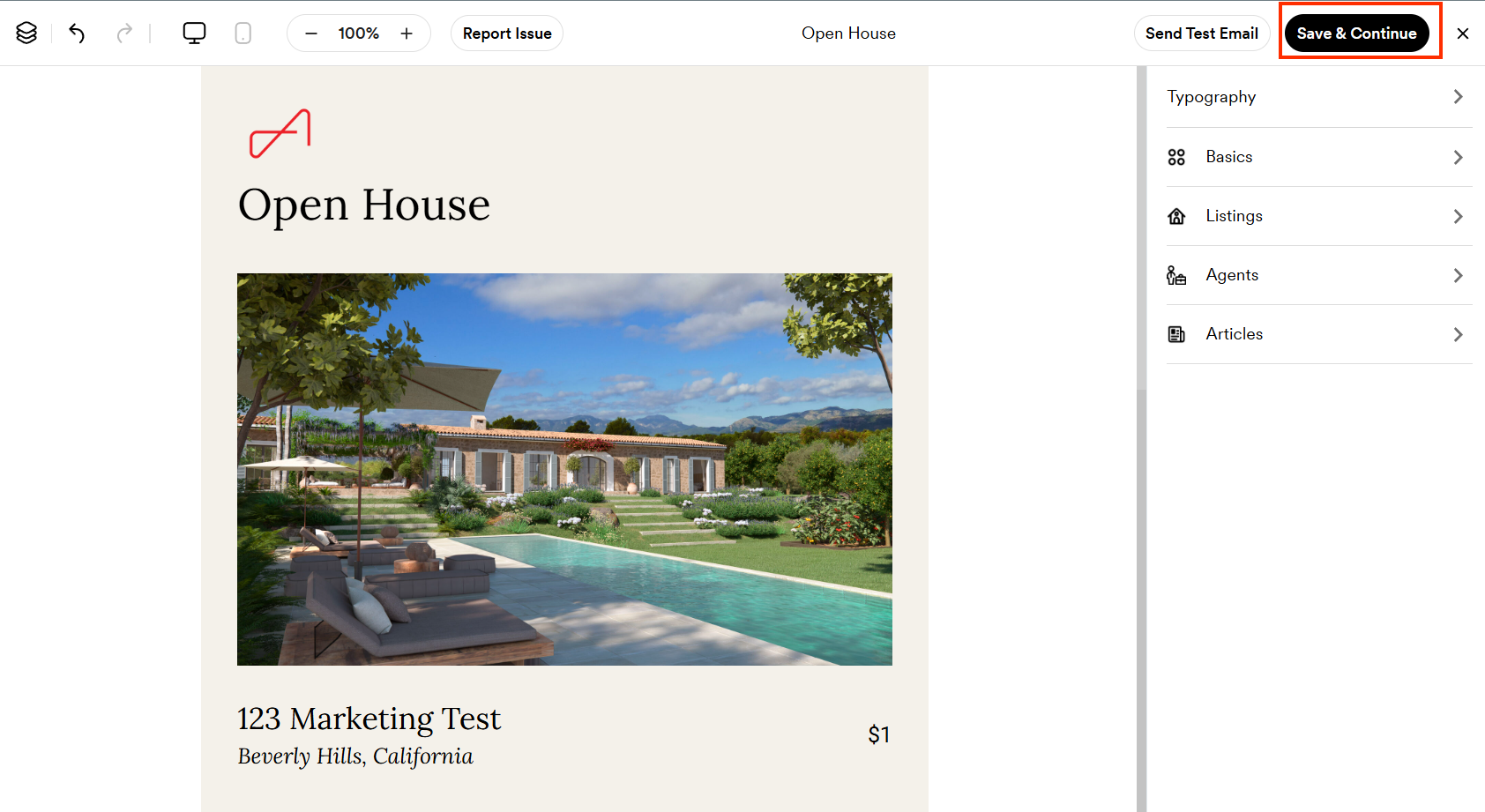
- Once complete, click Save & Continue.
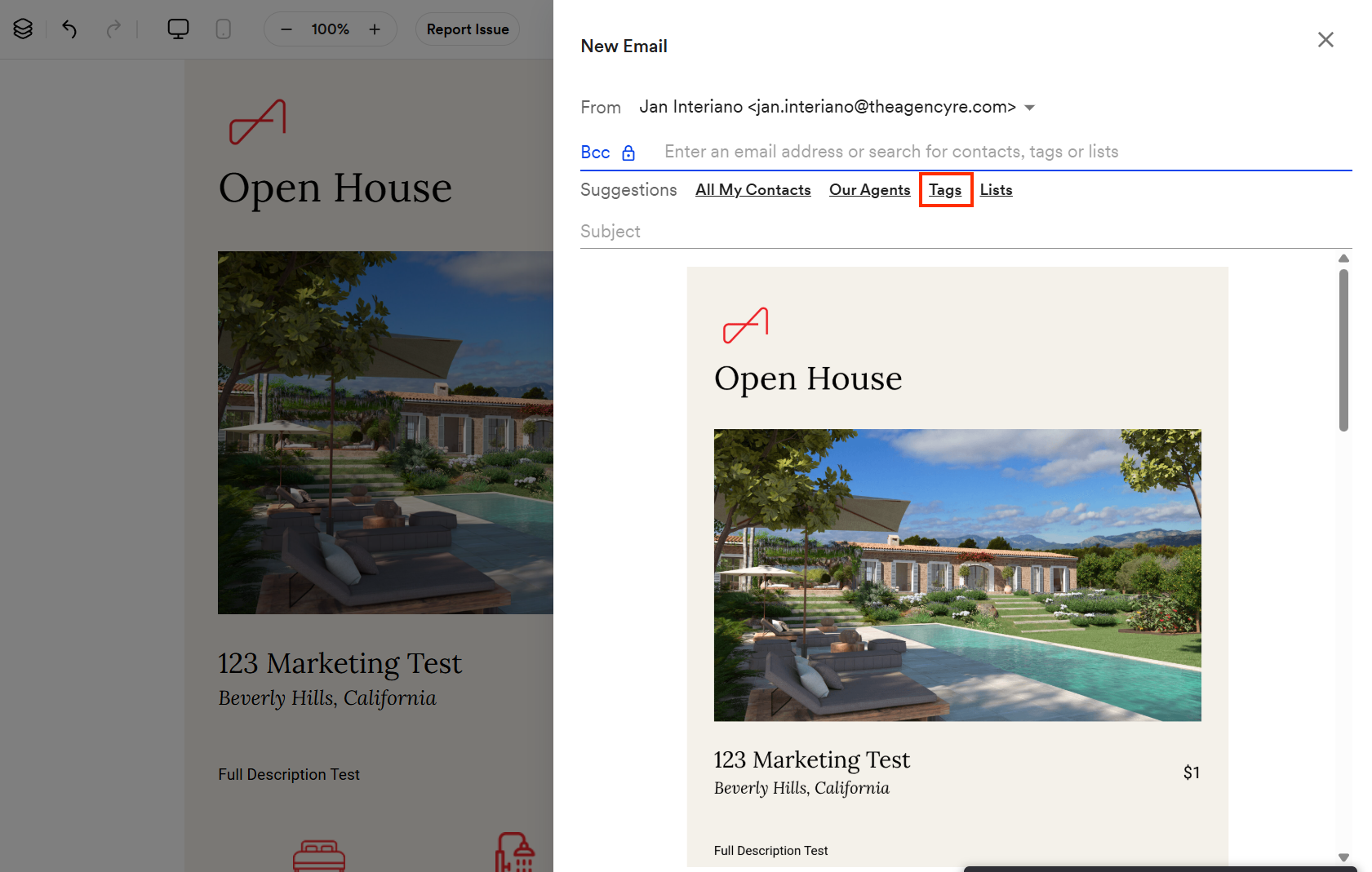
- On the next page, click Tags.
- Select only the specific tags relevant to your intended audience.
- Review your selected tags before proceeding to confirm you are targeting the correct contacts.
- Continue with the remaining steps to send your marketing piece.
Important Notes
- Selecting specific tags ensures your marketing piece is sent to the right contacts and not your entire list.