



 71
71
All agent profiles on the website are managed through APT. To update your contact details, license number, biography, headshot, languages, or social media links, follow the steps below.
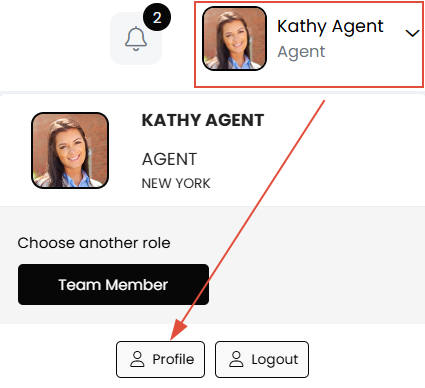
To access your profile settings in APT, click your name in the top-right corner and select Profile.
Important:
Professional Title and Certifications
To update your professional title or designations and certifications, please contact your office AEM or MAM for assistance.
Headshots
Ensure your headshot is cropped to a perfect square to avoid the system cropping your image awkwardly to fit the square container. We recommend your headshot is at least 800x800 pixels. For assistance, please reach out to [email protected]
Social Media Links
All social media links must include the full profile URL. Example: http://www.instagram.com/myusername

