Groups: Create a New Contact Group

May 29, 2025
 13
13
Go to the Groups page and click on the + New button to get started!
📺 Click here to watch the video tutorial 📺
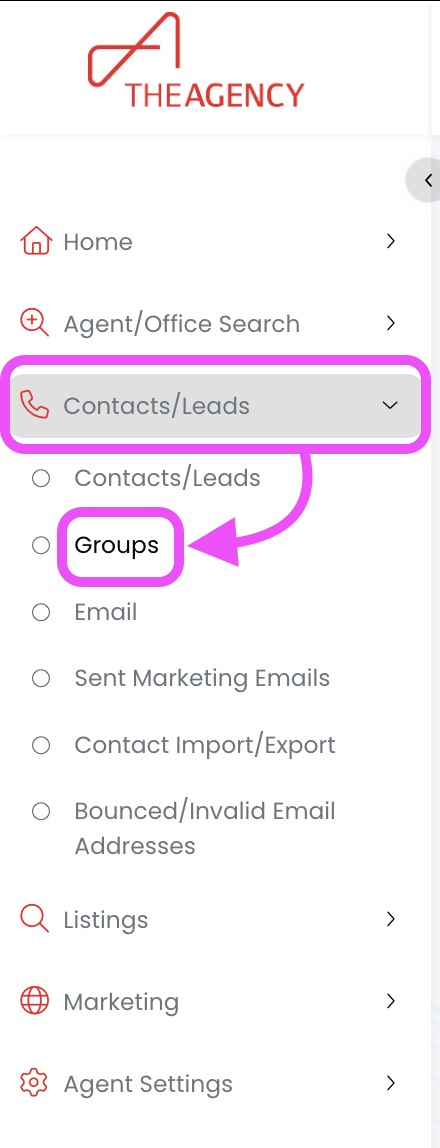
1.) From the left side menu, click on Contacts/Leads, and then click on Groups
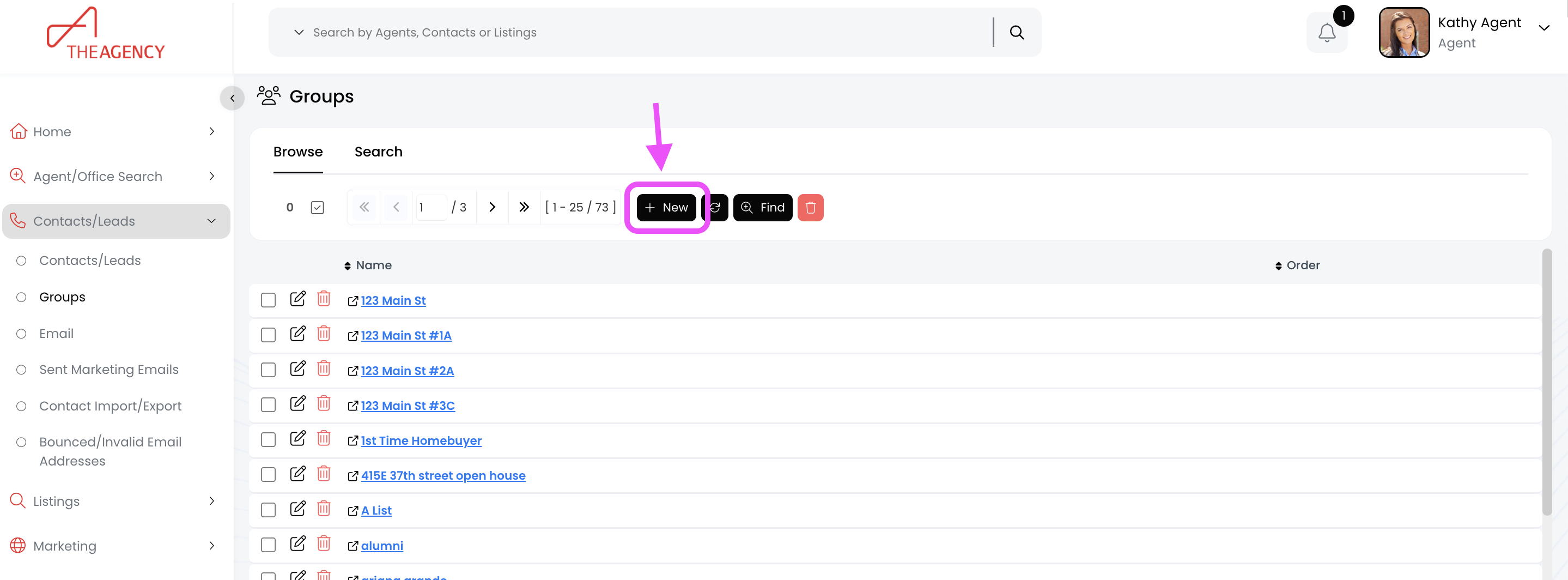
2.) Click on the + New button
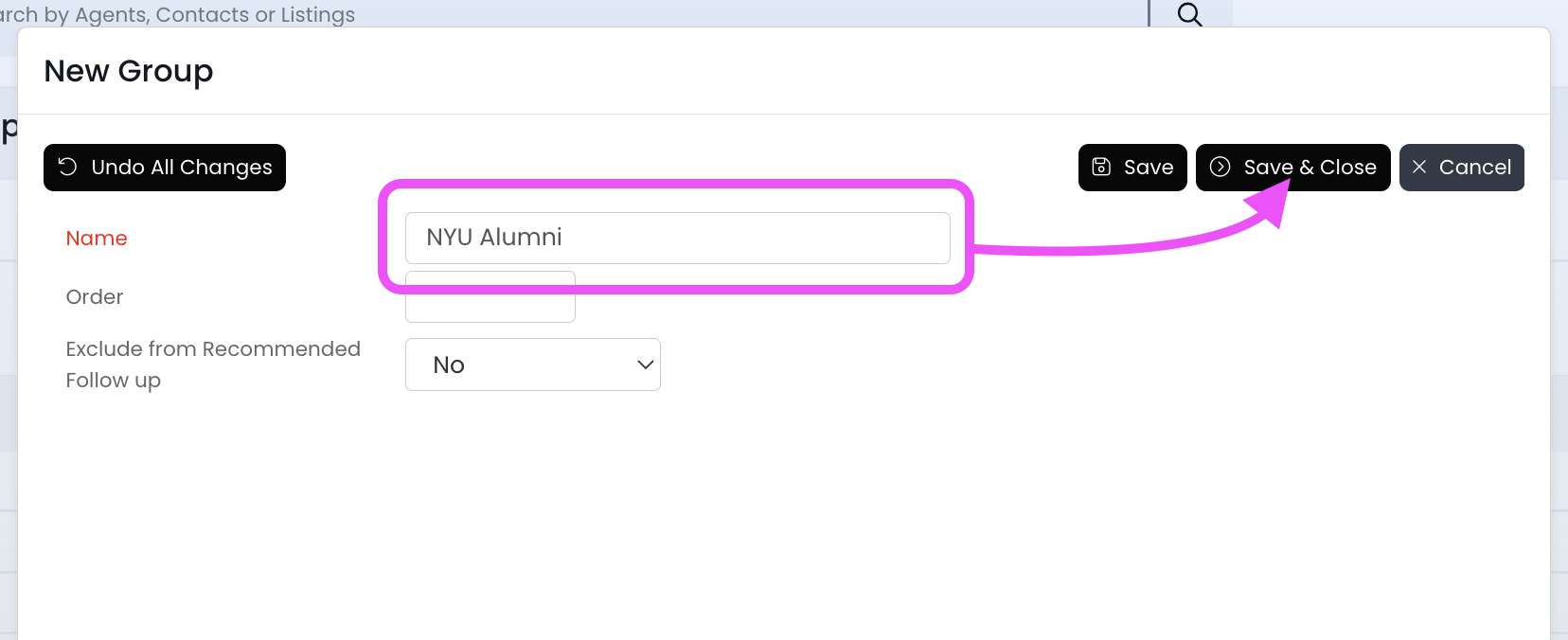
3.) Type in the Group name, and then click Save & Close
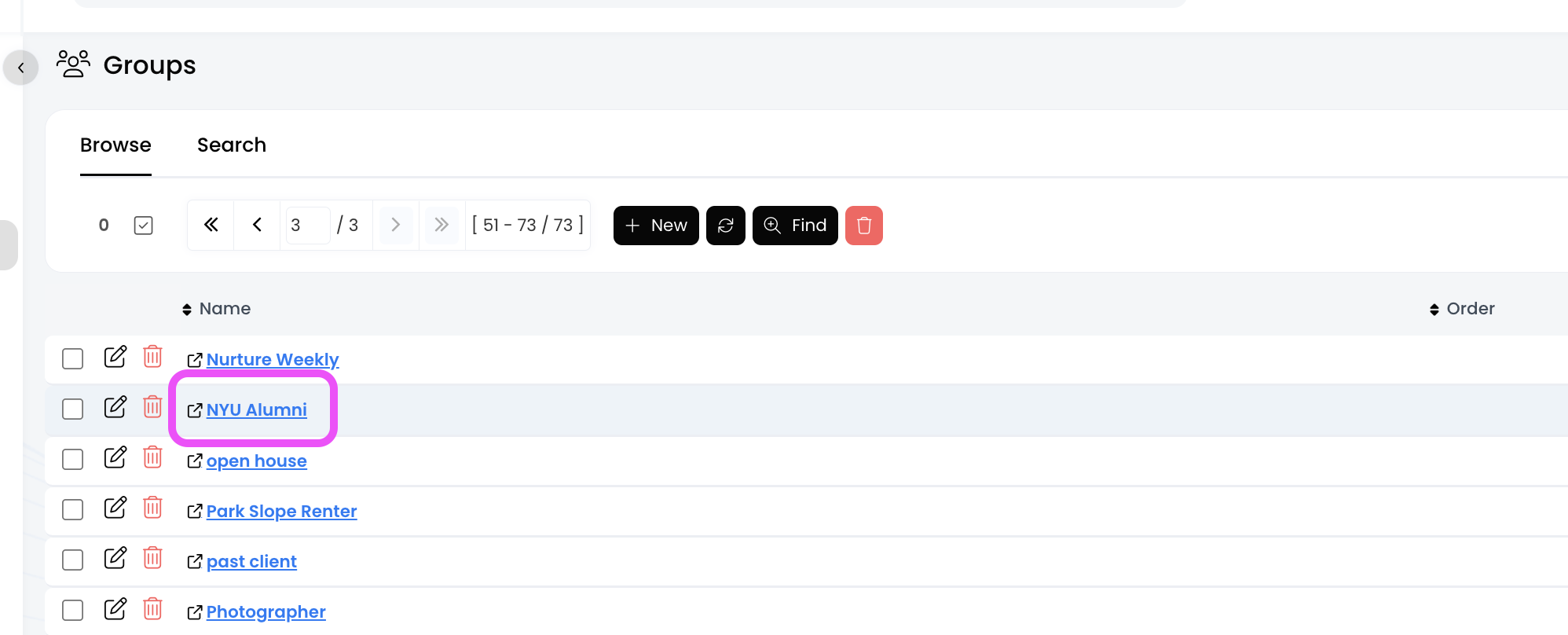
4.) Now your Group has been created, and you should see it in the list!