Filters: Find a Specific Contact/Lead

May 29, 2025
 17
17
Use the Find feature to search for a specific contact by name, email, or other criteria!
📺 Click here for the video tutorial 📺
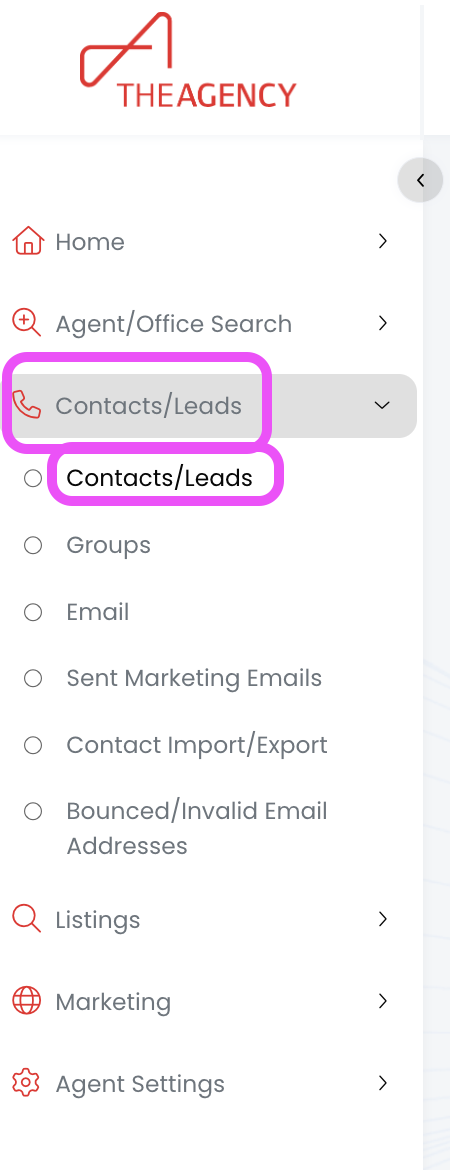
1.) From the left side menu, click on Contacts/Leads, and then click on Contacts/Leads again
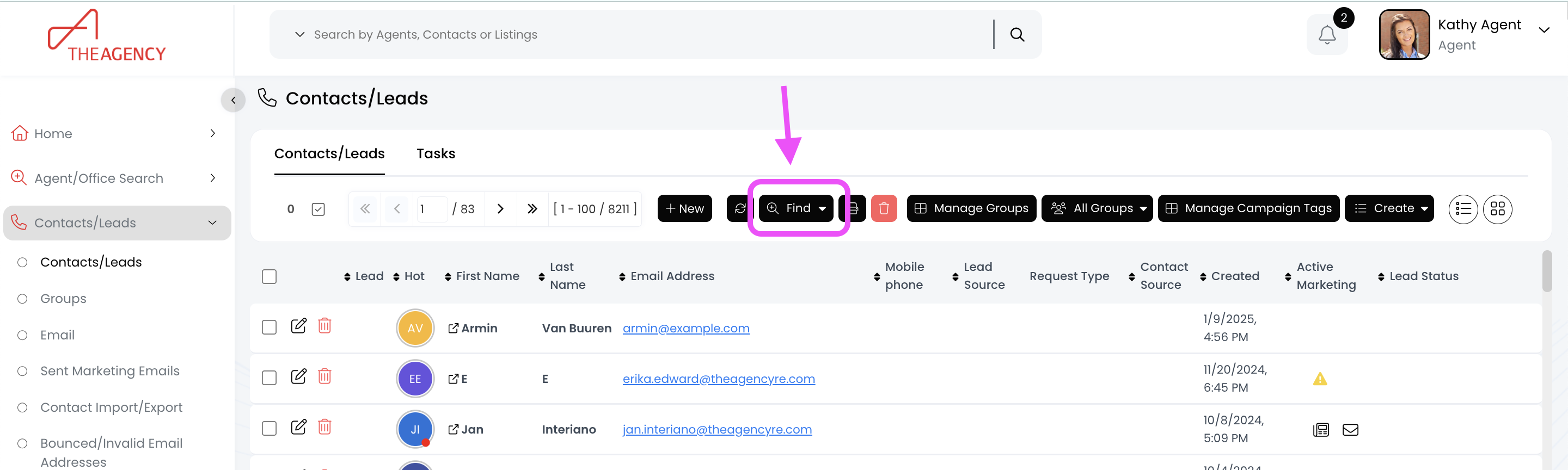
2.) Click on the Find button (top middle)
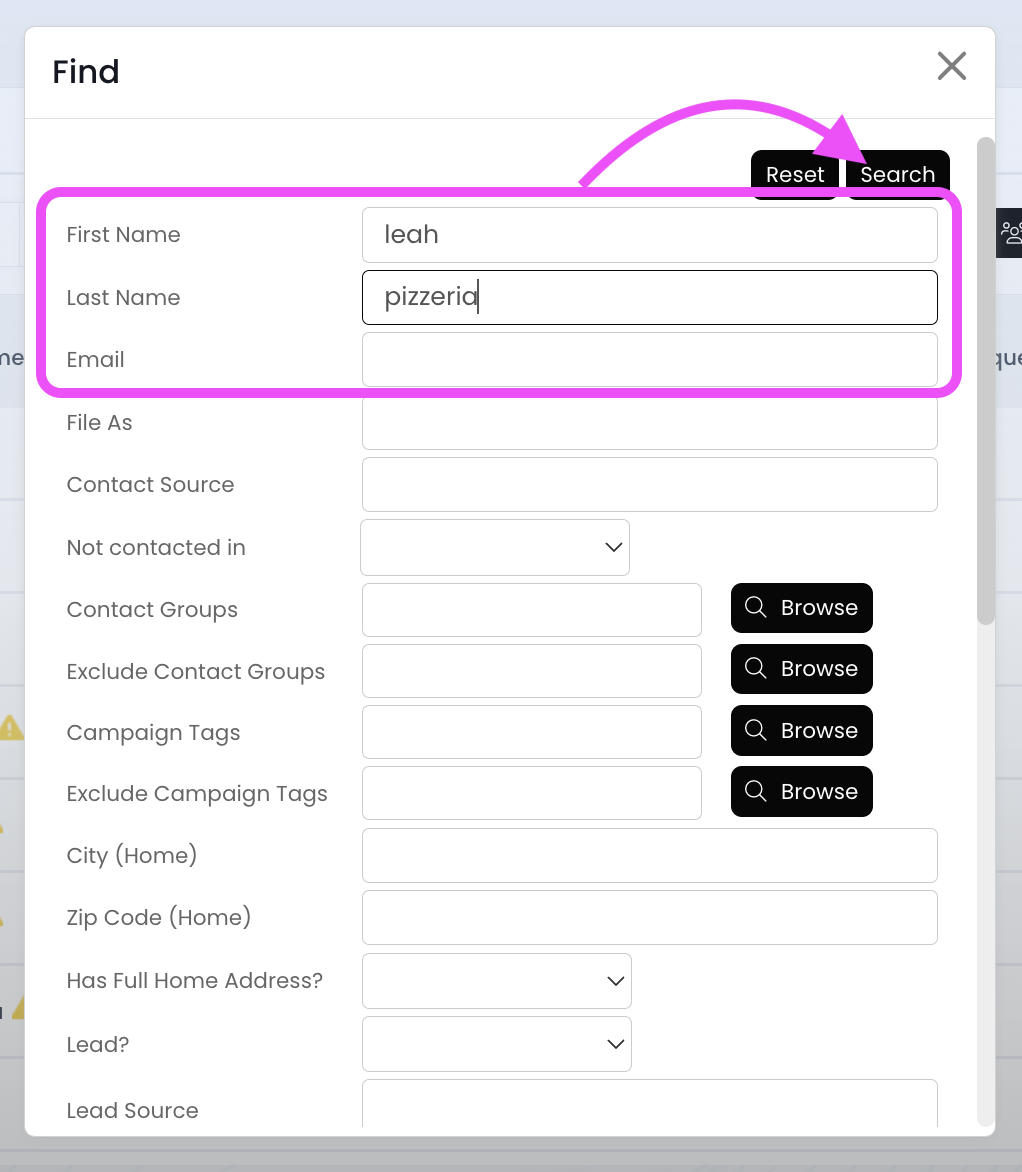
3.) Search for the contact using the first name, last name, or email fields and then hit Search
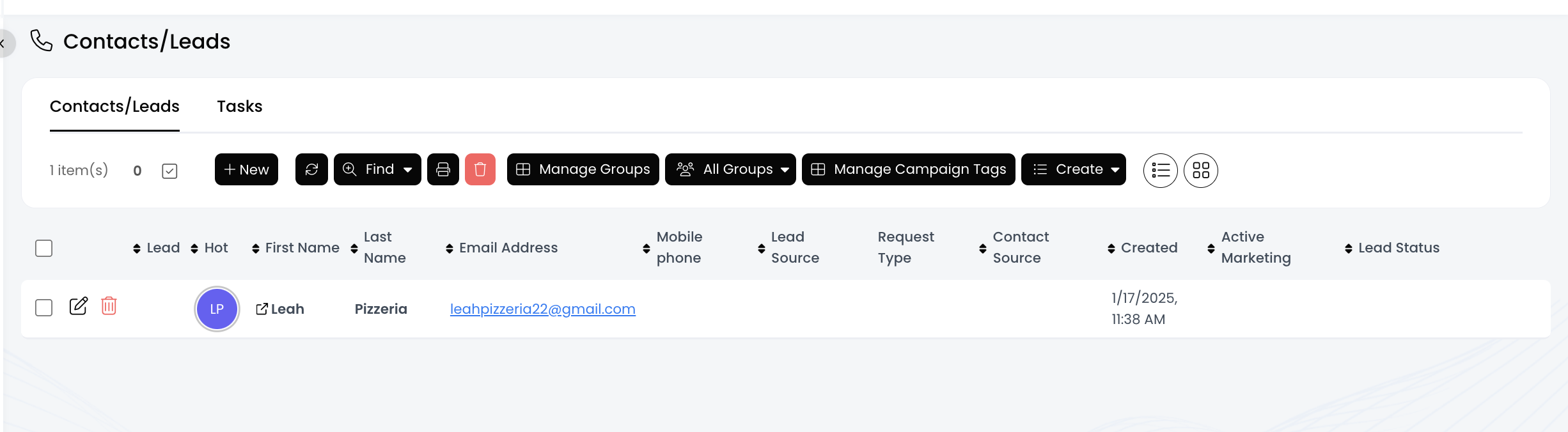
Now you should see your contact, and you can click on their First Name to view additional details.