Agent Profiles: Update Agent Bio

May 28, 2025
 54
54
To update an agent's bio on the website, you must update the agent's profile in APT. Follow the steps below for more info:
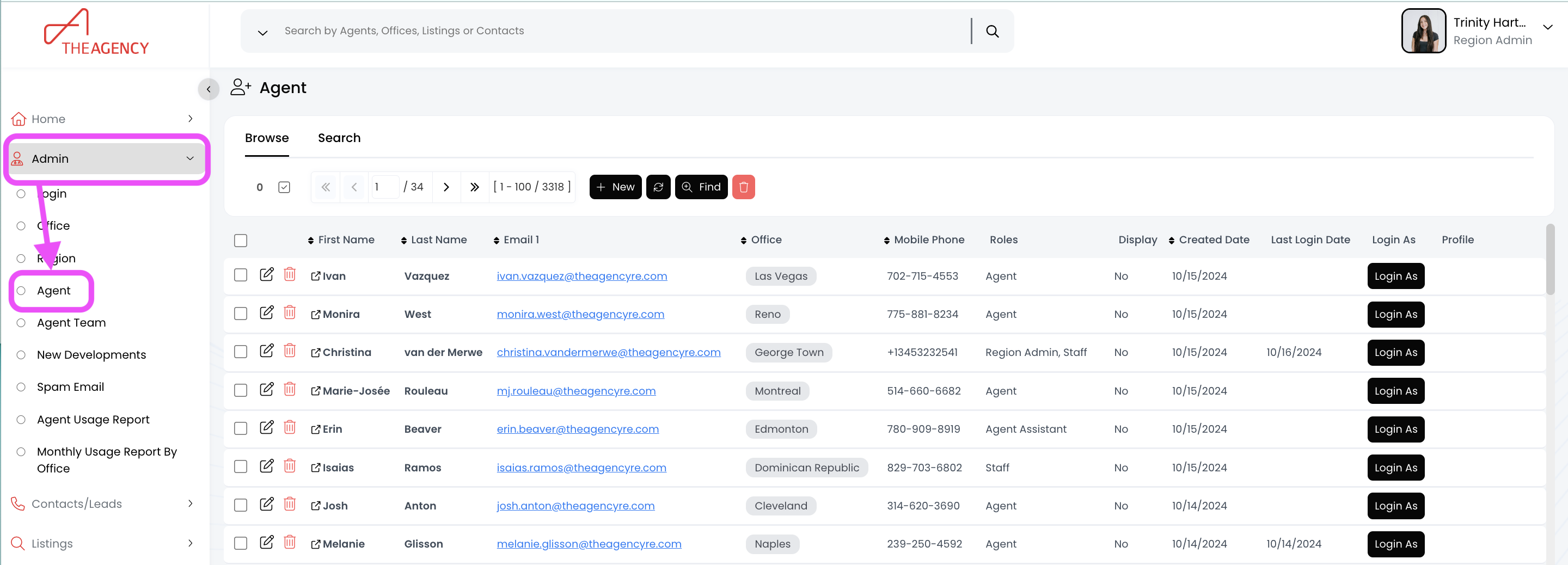
1.) Click on Admin and then Agents
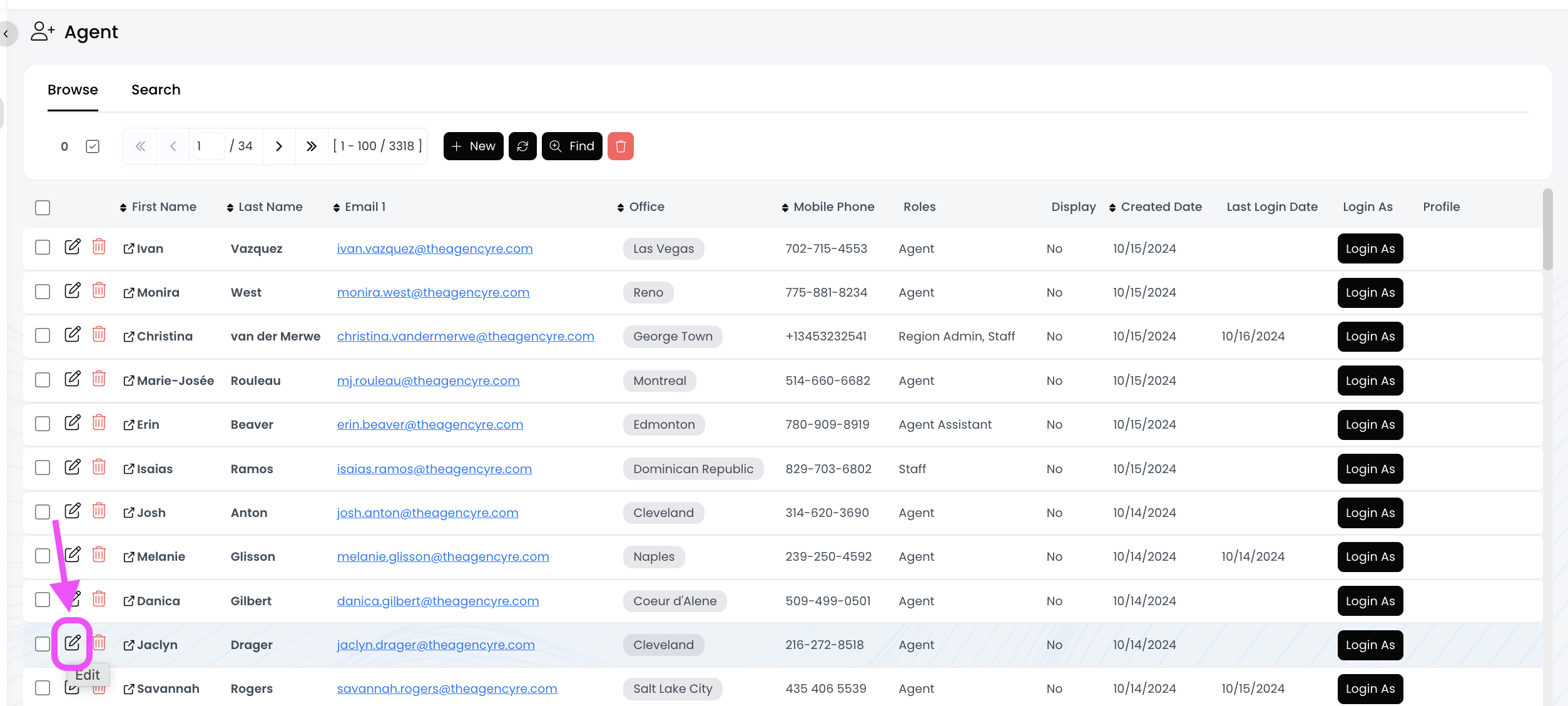
2.). Find the agent and click on the pencil icon to make an update
3.) Scroll down to the "Bio" field and click on "Edit"
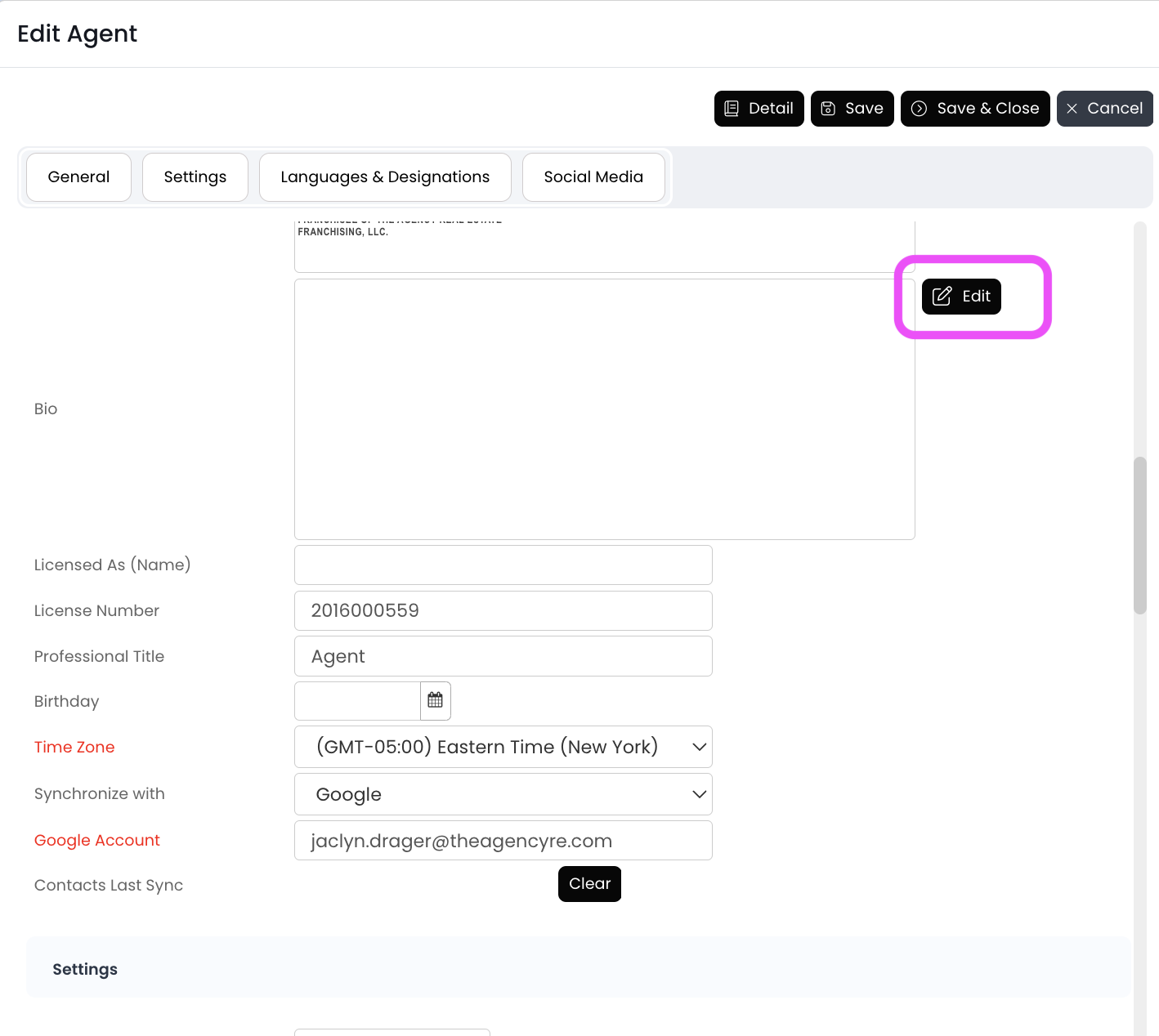
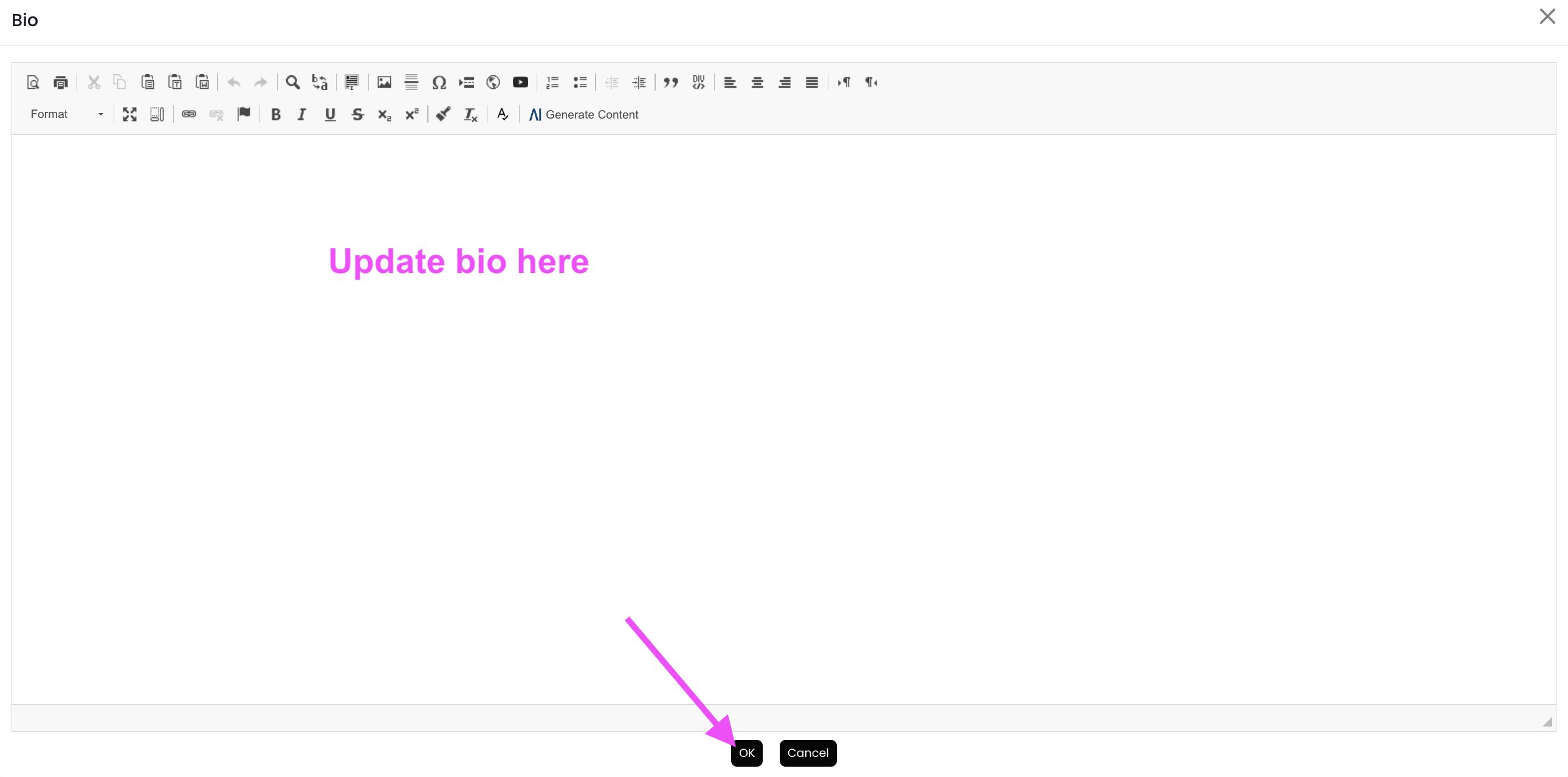
4.) Update the text, and then click on "OK" at the bottom
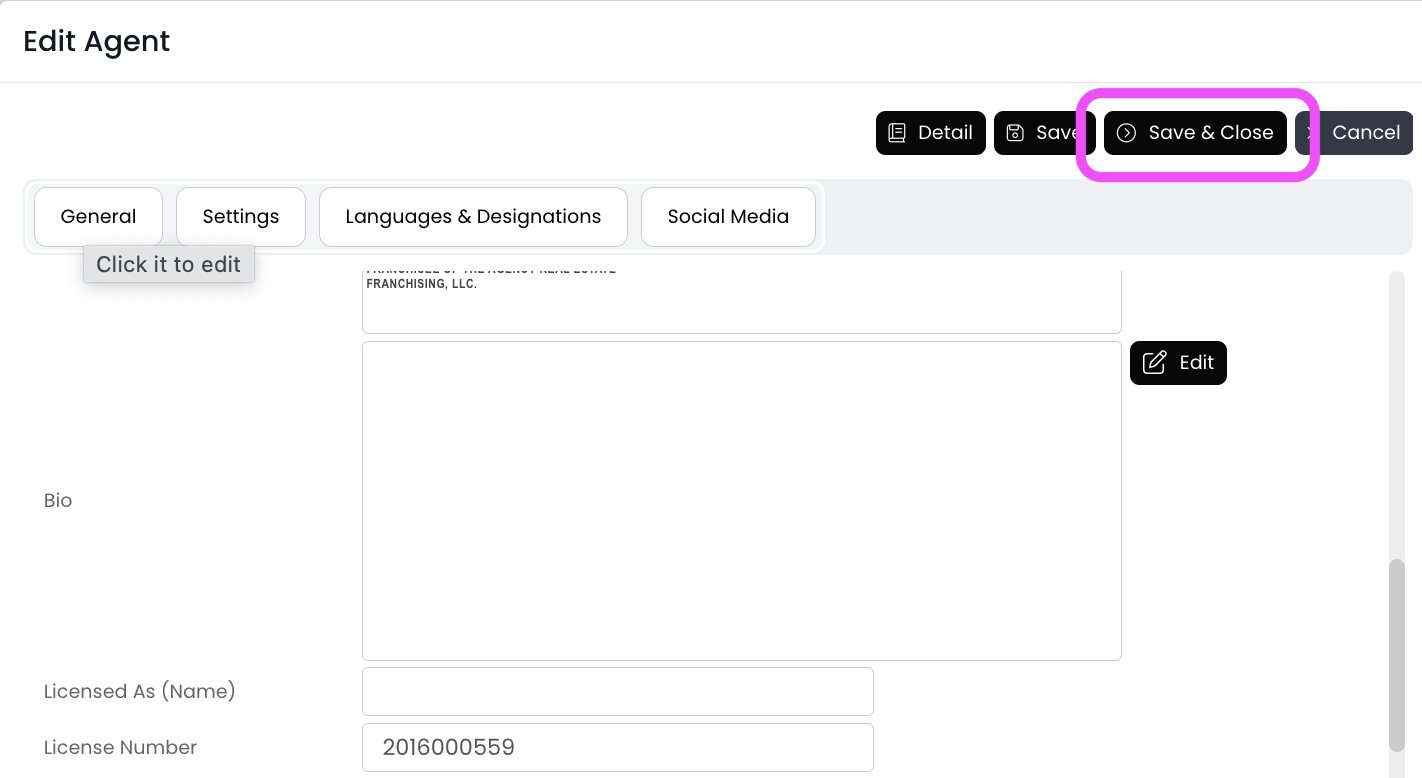
5.) Click "Save and Close" in the top right corner