Creative Center: Check Order Status

Feb 26, 2026
 28
28
You can track your Creative Center print orders anytime through the Marketing Portal.
-
Log in to the Marketing Portal.
-
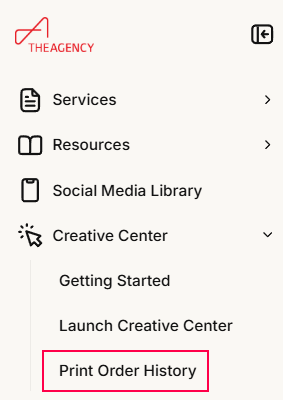
Go to Creative Center → Print Order History.
-
Select your order to see details like order date, shipping method, and tracking (once available).
Things to Know
-
Production time: ~2–3 business days
-
Standard shipping: ~2–6 business days
-
FedEx 2-Day: ~2 business days
If your order is still within this timeframe, it’s processing normally.
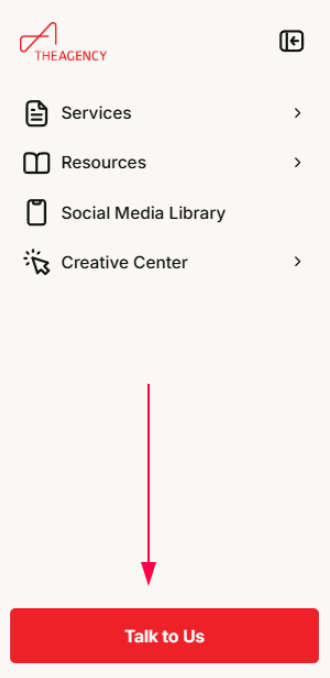
For additional marketing support, your office’s Marketing Accounts Manager (MAM) is your best point of contact. You can reach them by clicking the Talk To Us button at the bottom left of the Marketing Portal.