Logging into the Marketing Portal

Feb 26, 2026
 22
22
To login to the Marketing Portal, go to marketing.theagencyre.com and login using your company assigned email address. You can also access this tool by clicking on the corresponding tile on the APT home page.
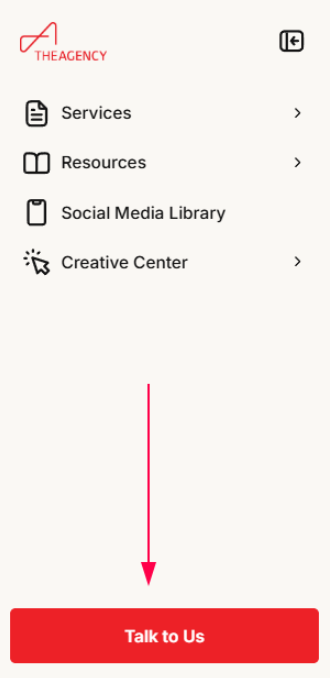
For additional marketing support, your office’s Marketing Accounts Manager (MAM) is your best point of contact. You can reach them by clicking the Talk To Us button at the bottom left of the Marketing Portal.