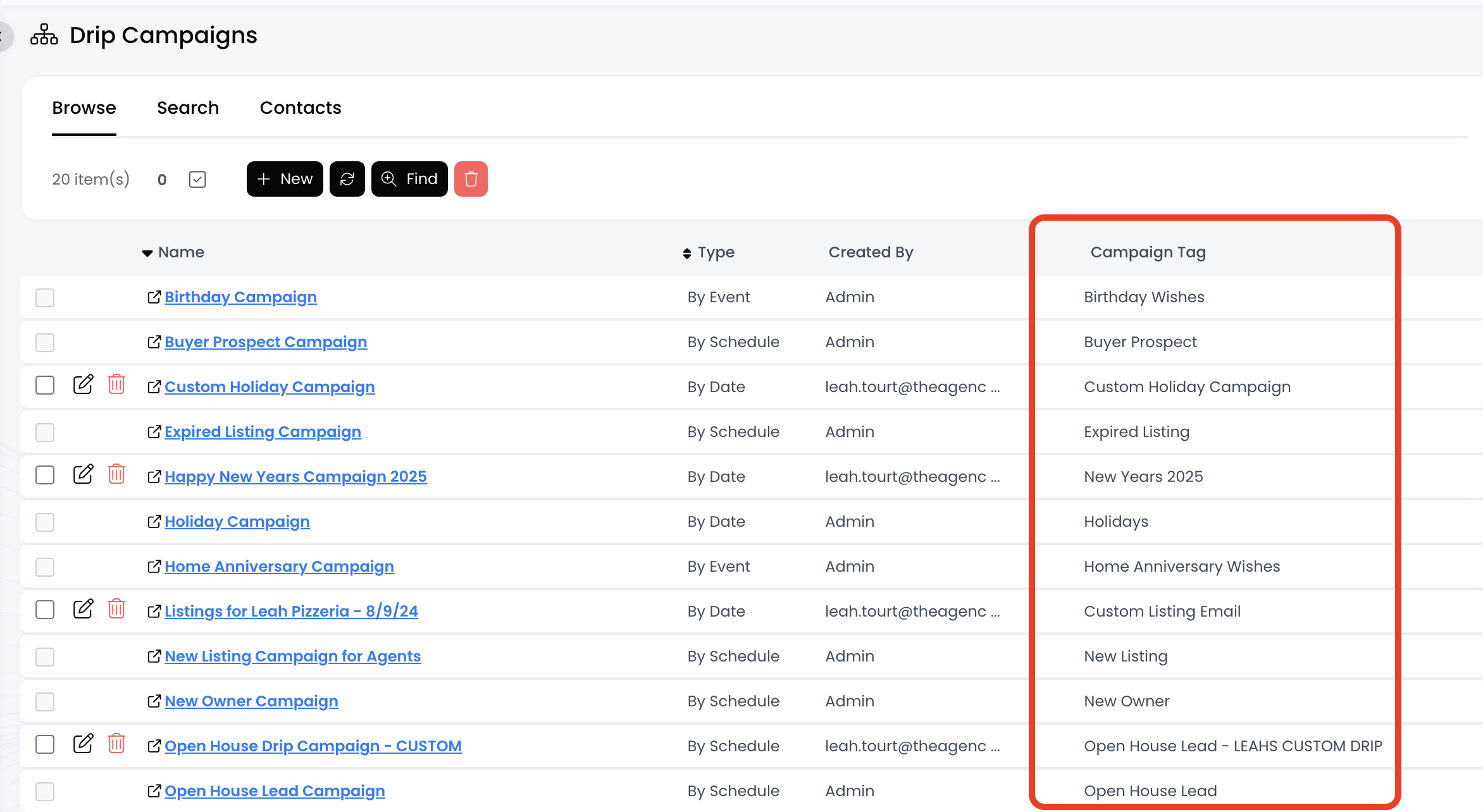
Drip Campaigns: Find the Campaign Tag Associated with an Drip Campaign

May 29, 2025
 3
3
The campaign tag feature controls which contacts receive drip campaign emails, and each campaign must have a unique campaign tag associated with it. To add someone to a campaign, you must add the proper campaign tag to the contact. To remove someone from a campaign, you must delete the campaign tag on the contact.
📺 Click here to watch the video tutorial 📺
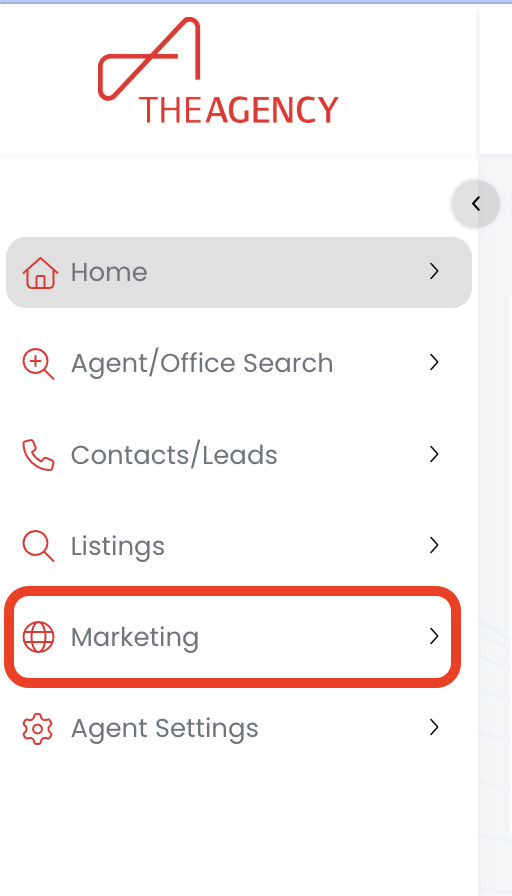
1.) Click on the Marketing menu
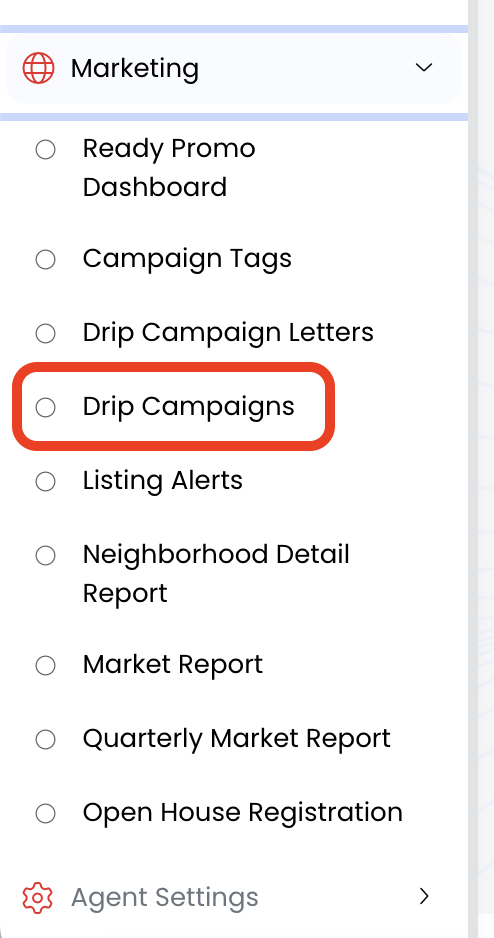
2.) Click on Drip Campaigns
3.) Now you will see the tag for each drip campaign under the "Campaign Tag" column!