Drip Campaigns: View All Emails Sent to a Contact

May 29, 2025
 3
3
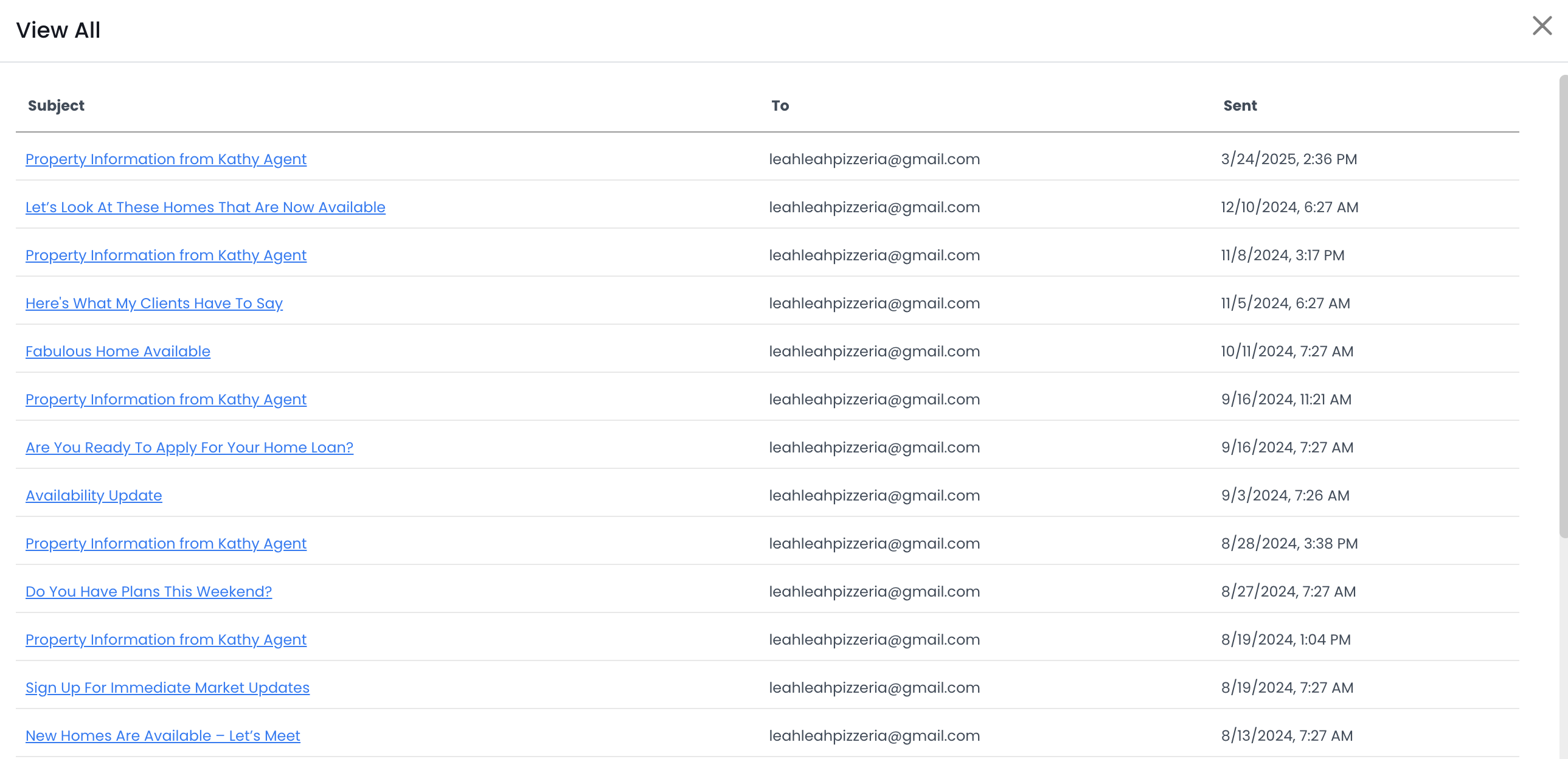
The "View Sent Emails" section on a contact record displays all the emails delivered to this person. These emails include drip campaign and property information emails.
📺 Click here to watch a video tutorial 📺
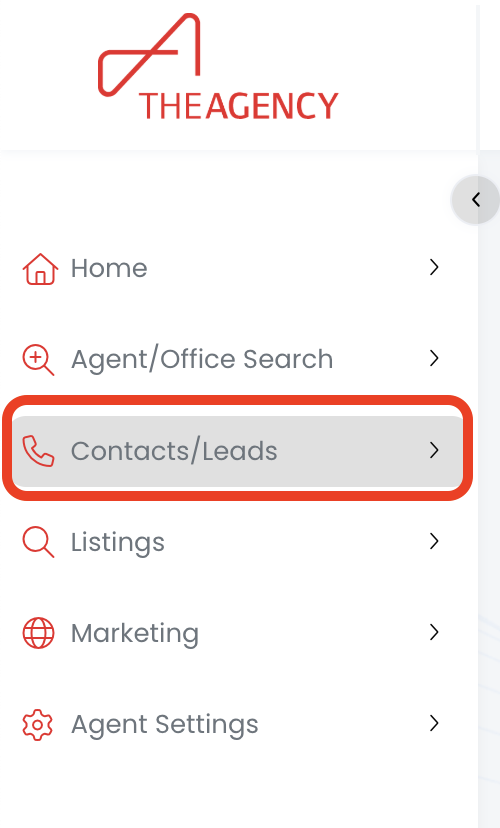
1.) Click on the Contacts/Leads menu
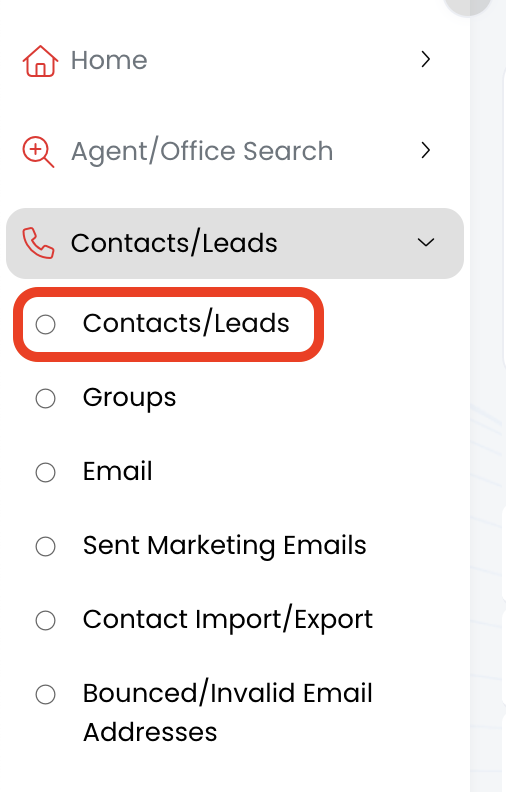
2.) Click on the Contacts/Leads option
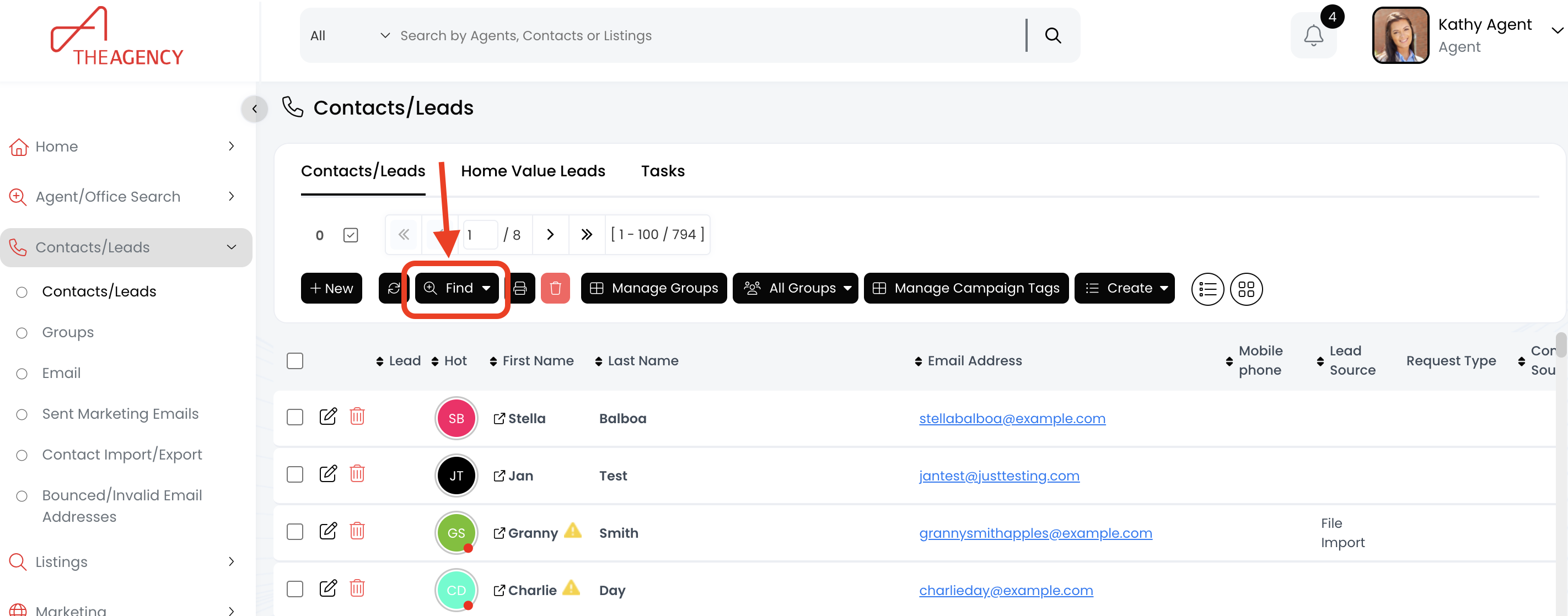
3.) Click on the Find button
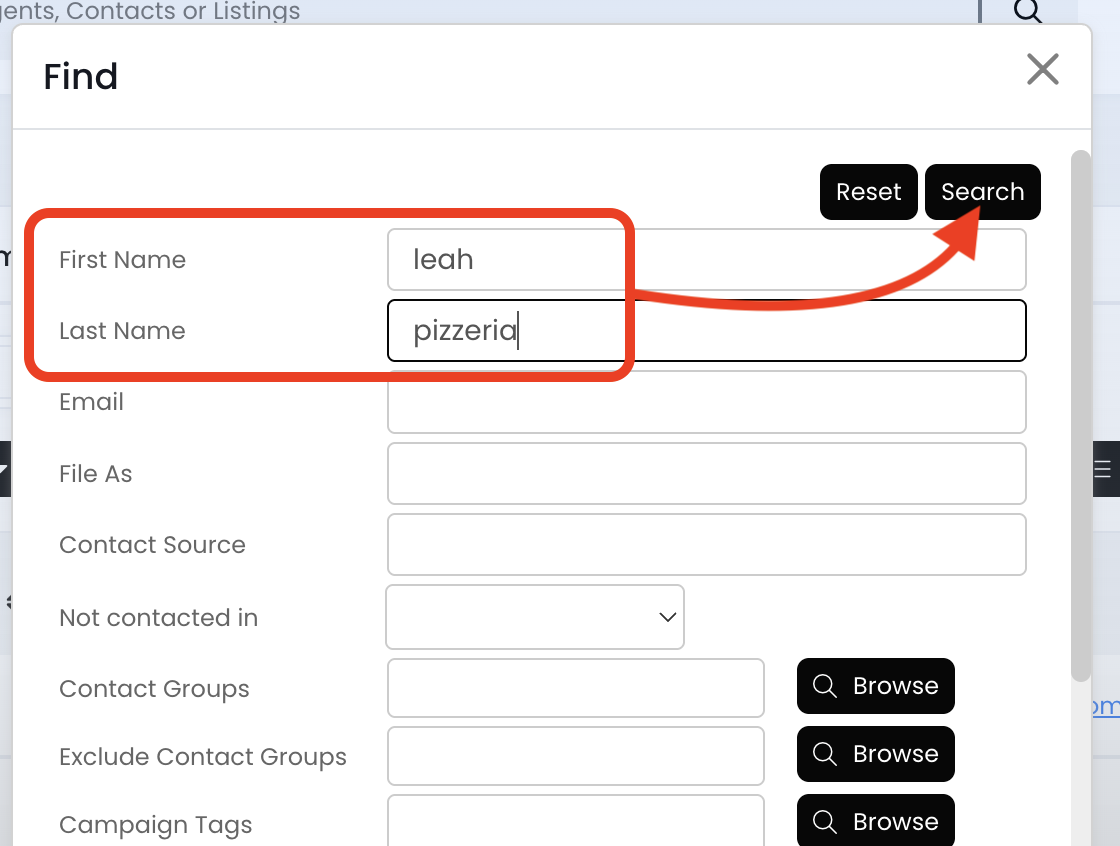
4.) Type in the contact's first name, last name, or email. Then click the Search button
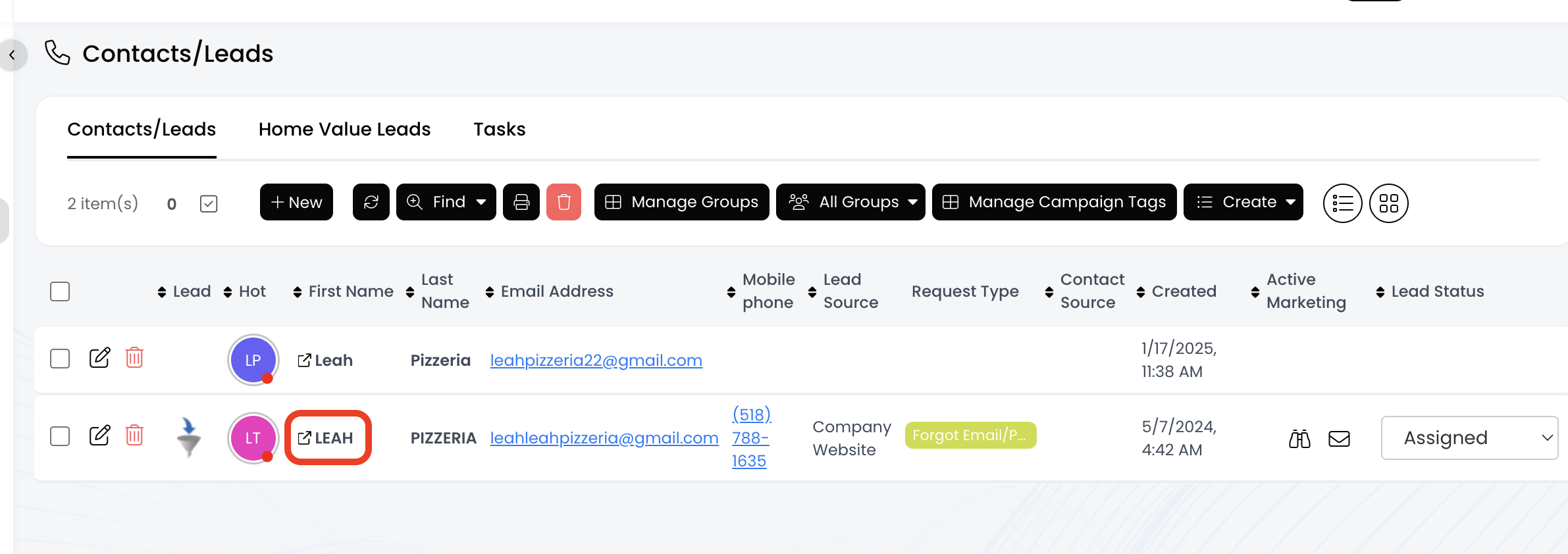
5.) Click on the contact's First Name
6.) Click on the View Sent Emails section
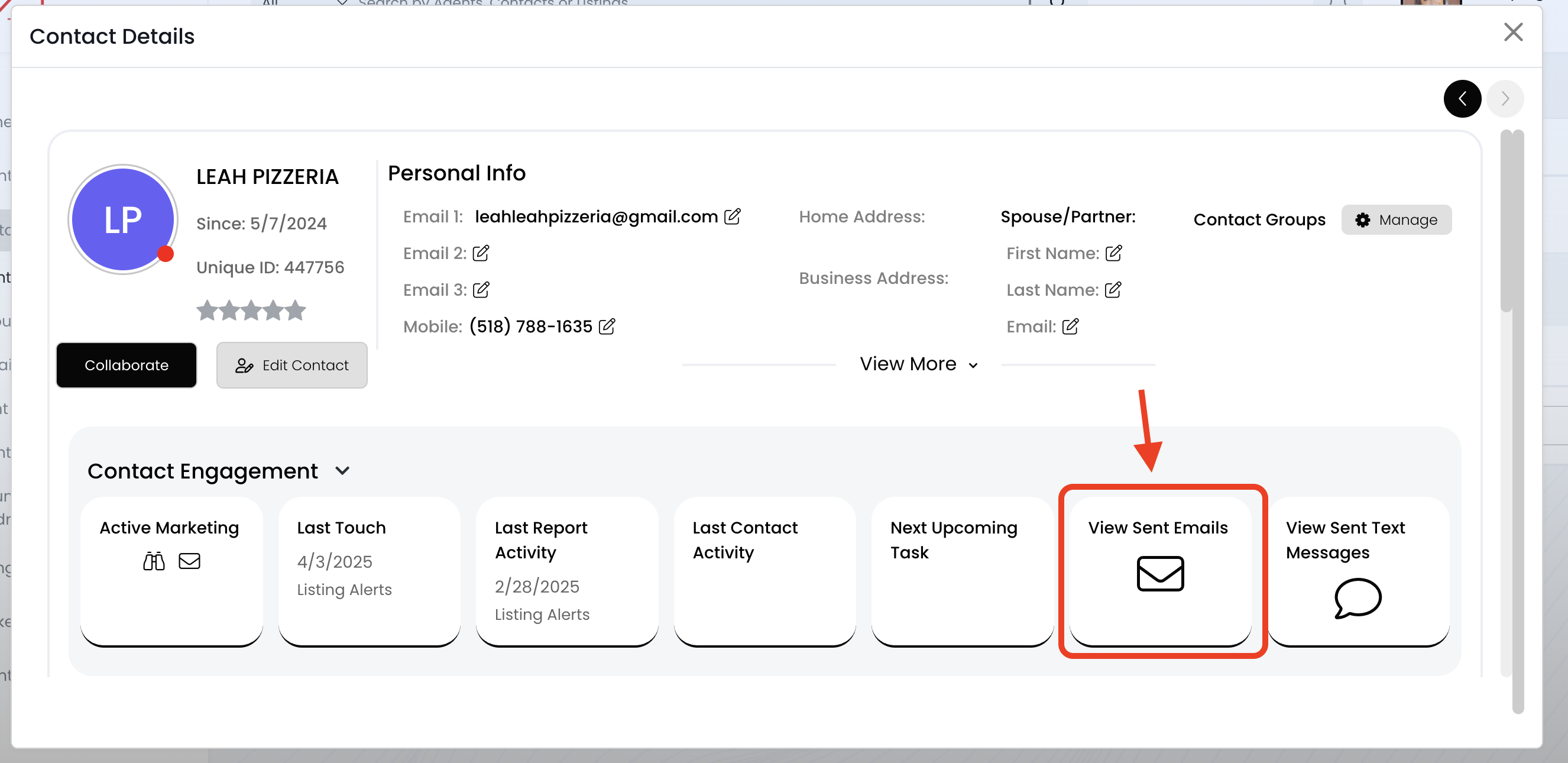
7.) Now you're viewing all the emails sent to this person!
- Includes drip campaign and property information emails