
Drip Campaigns: View All Emails Sent from APT
Last updated: May 29, 2025
15
views

You can find the metrics for all of your drip campaigns under the "Sent Marketing Emails" section, which holds two pages displaying different levels of metrics:
- Drip Letters & Property Emails: Displays metrics for the email sent to each contact
- Campaign Tracking: Displays the overall metrics for each drip campaign
📺 Click here to watch a video tutorial 📺
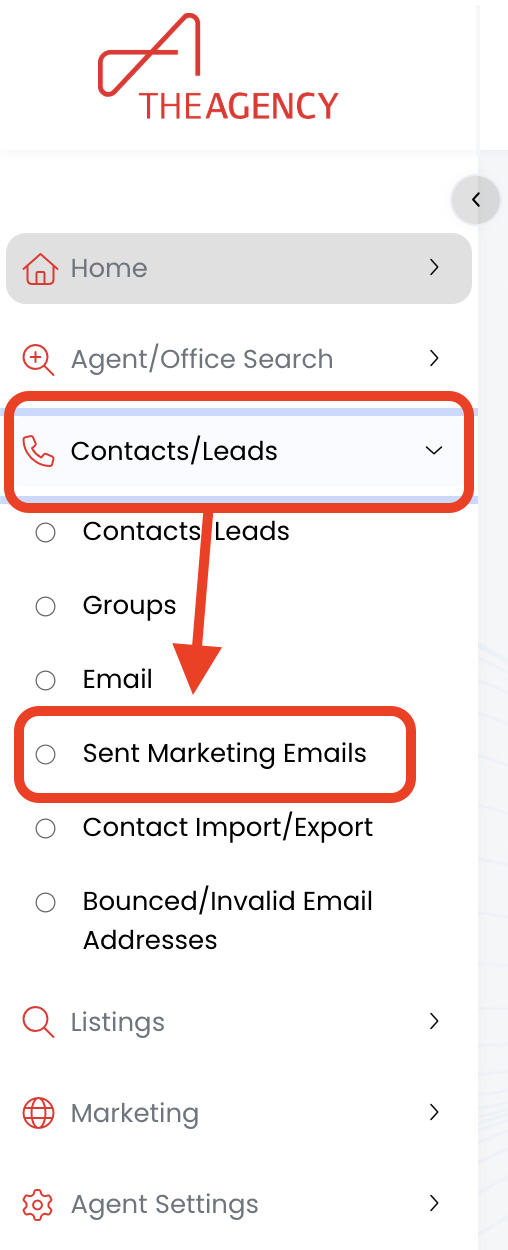
1.) Click on Contacts/Leads, then click on Sent Marketing Emails
2.) Click on the Drip Letters & Property Emails tab
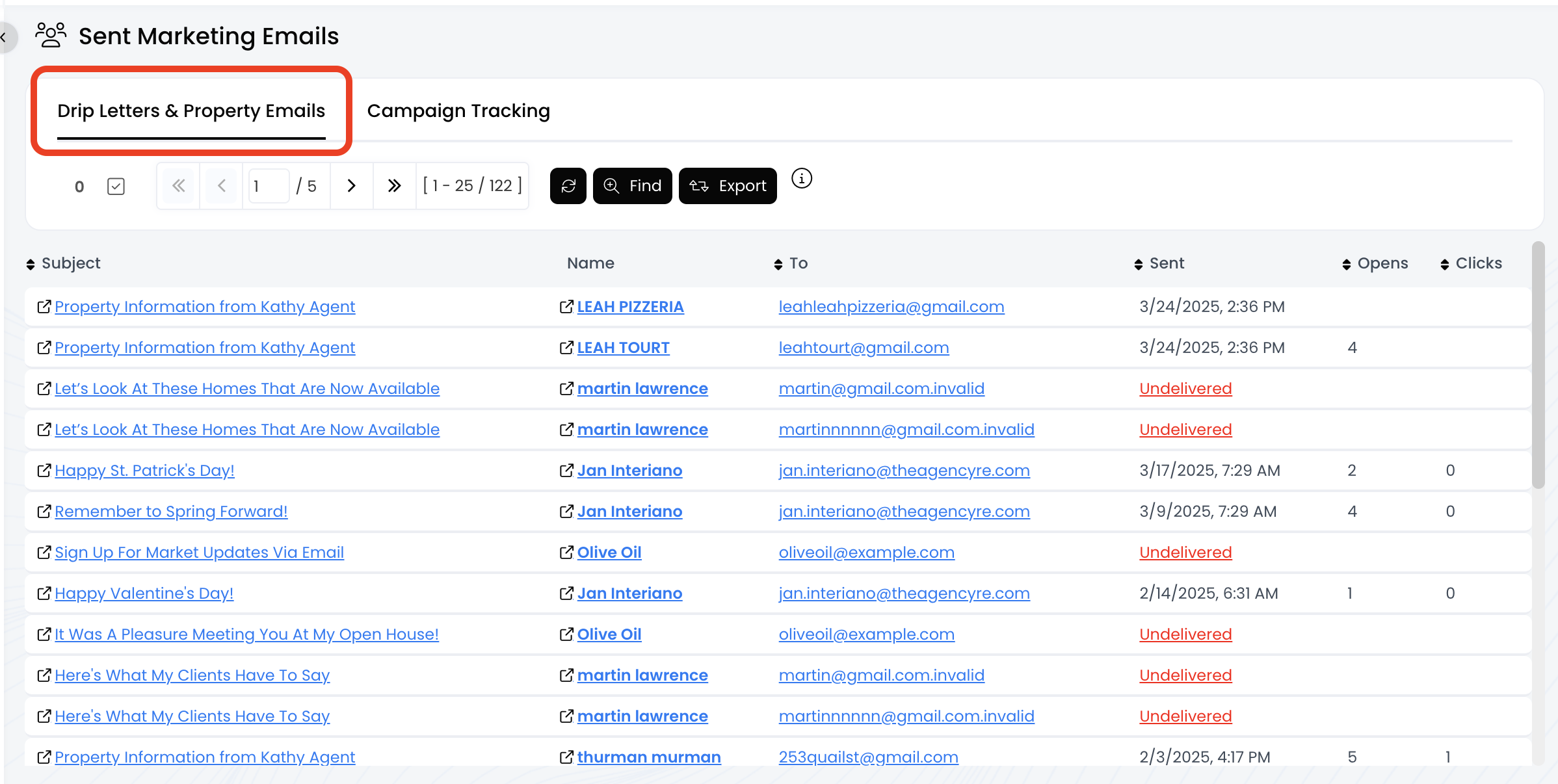
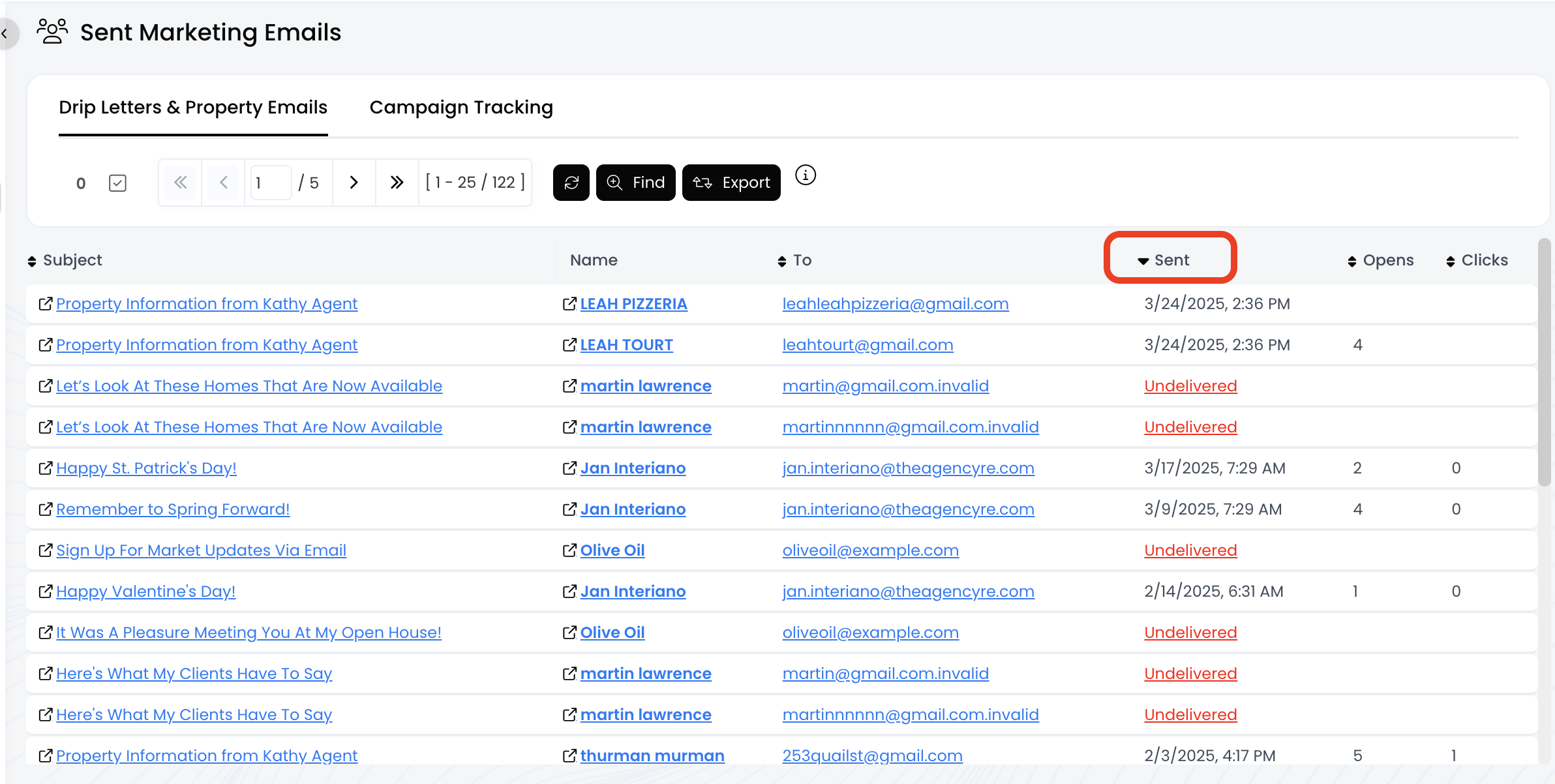
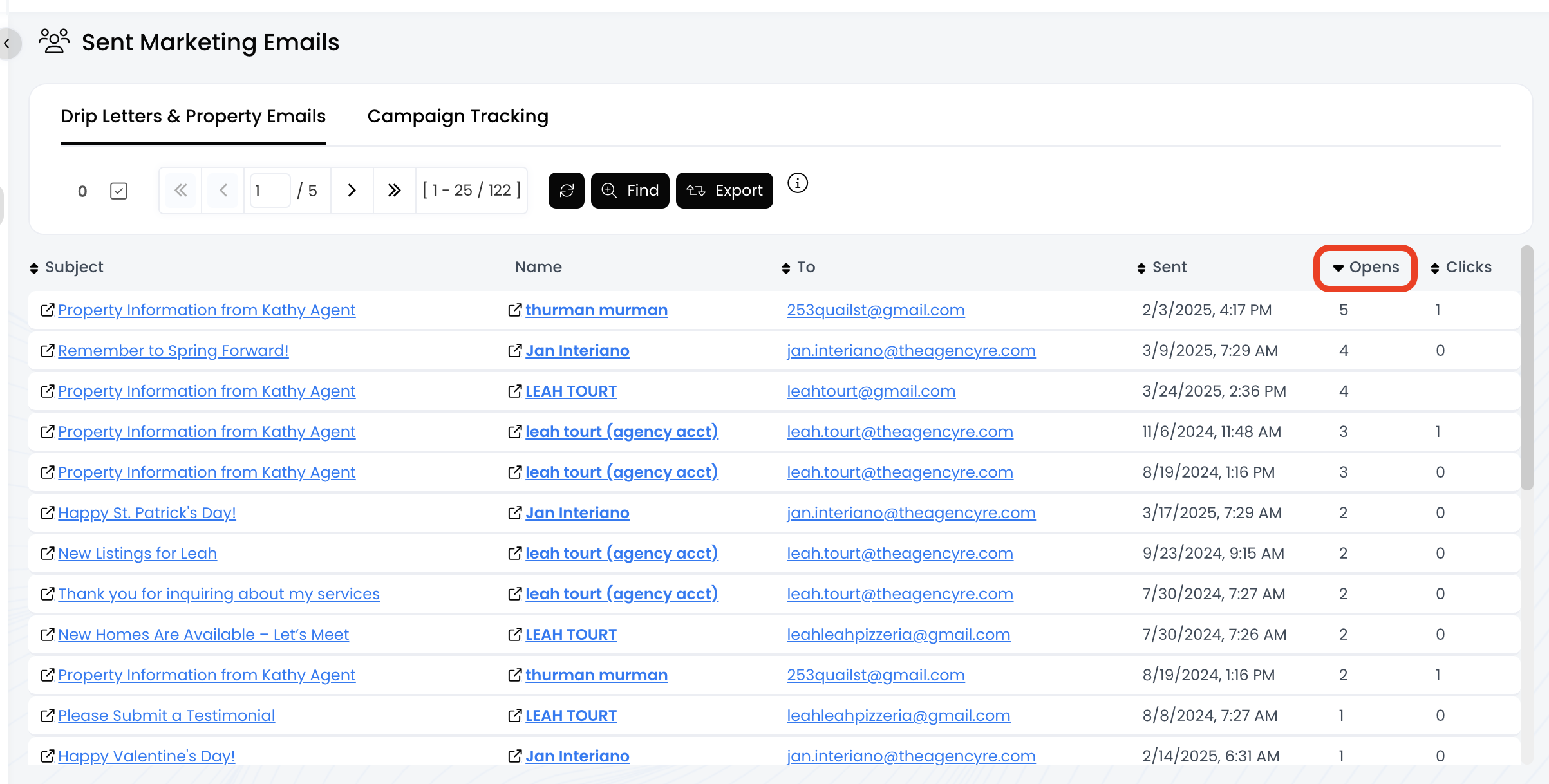
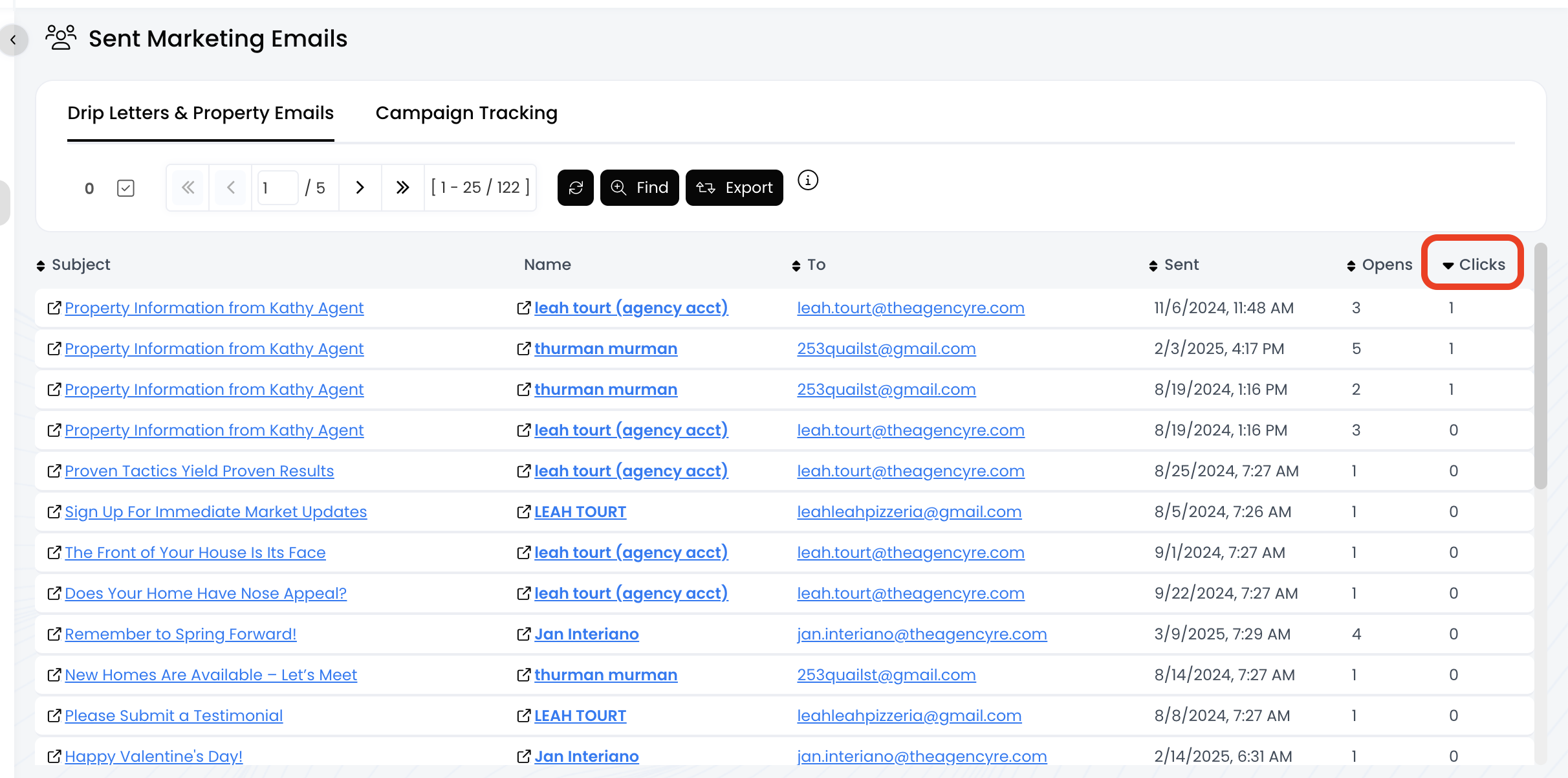
3.) Now you'll see a list of all the emails sent from your drip campaigns!
- Columns with a double arrow icon can be sorted, including To, Sent, Opens, and Clicks!
- Click on the column name to sort