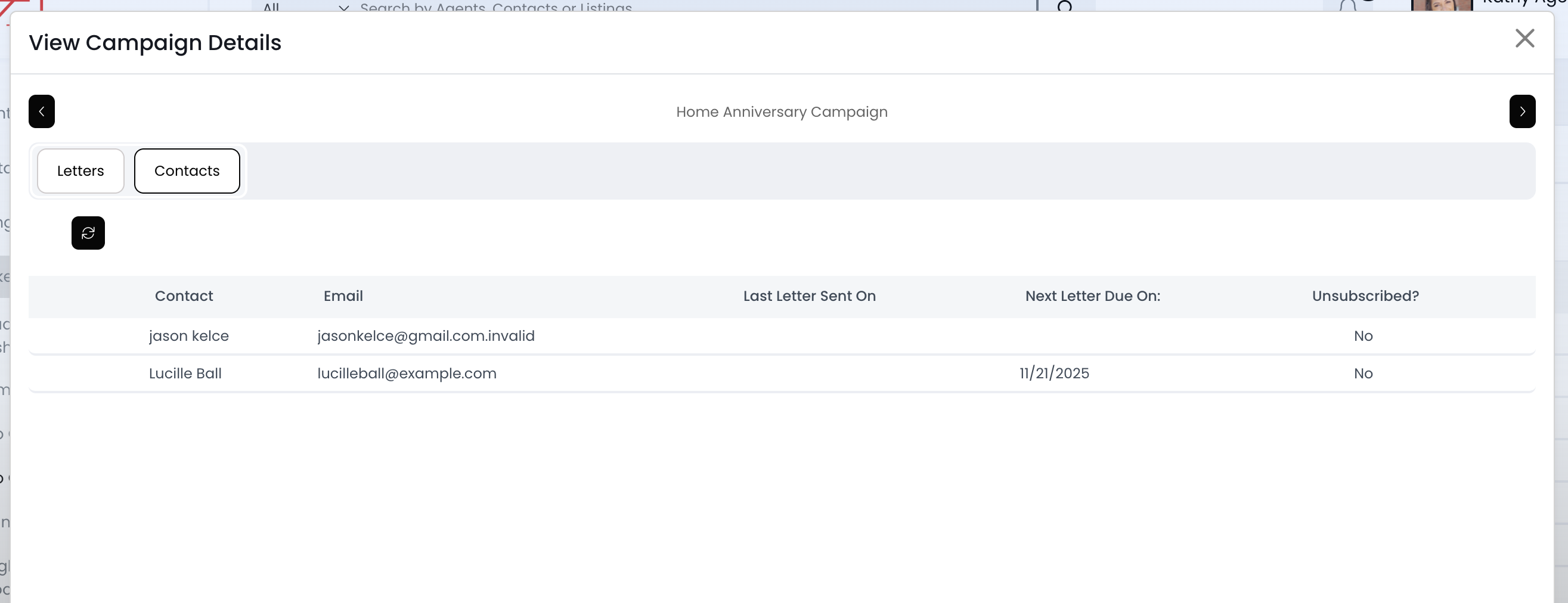
Drip Campaigns: View All Contacts Added

May 29, 2025
 4
4
The "Contacts" page on a drip campaign has a list of all the contacts added. You'll also find the dates for the last email sent and next email scheduled.
📺 Click here to watch a video tutorial 📺
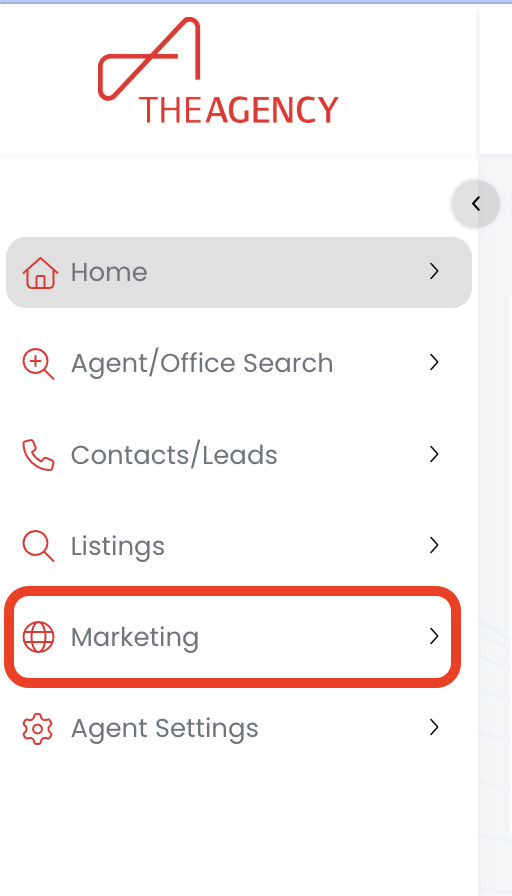
1.) Click on the Marketing menu
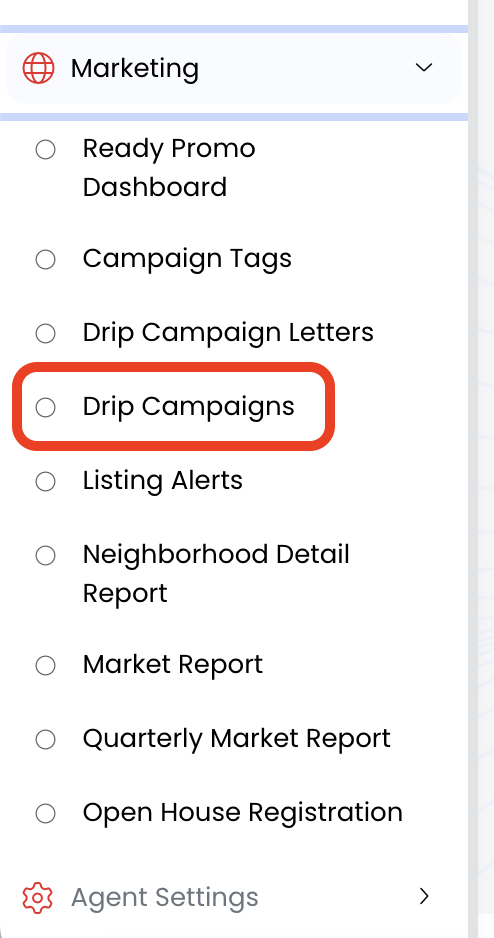
2.) Click on Drip Campaigns
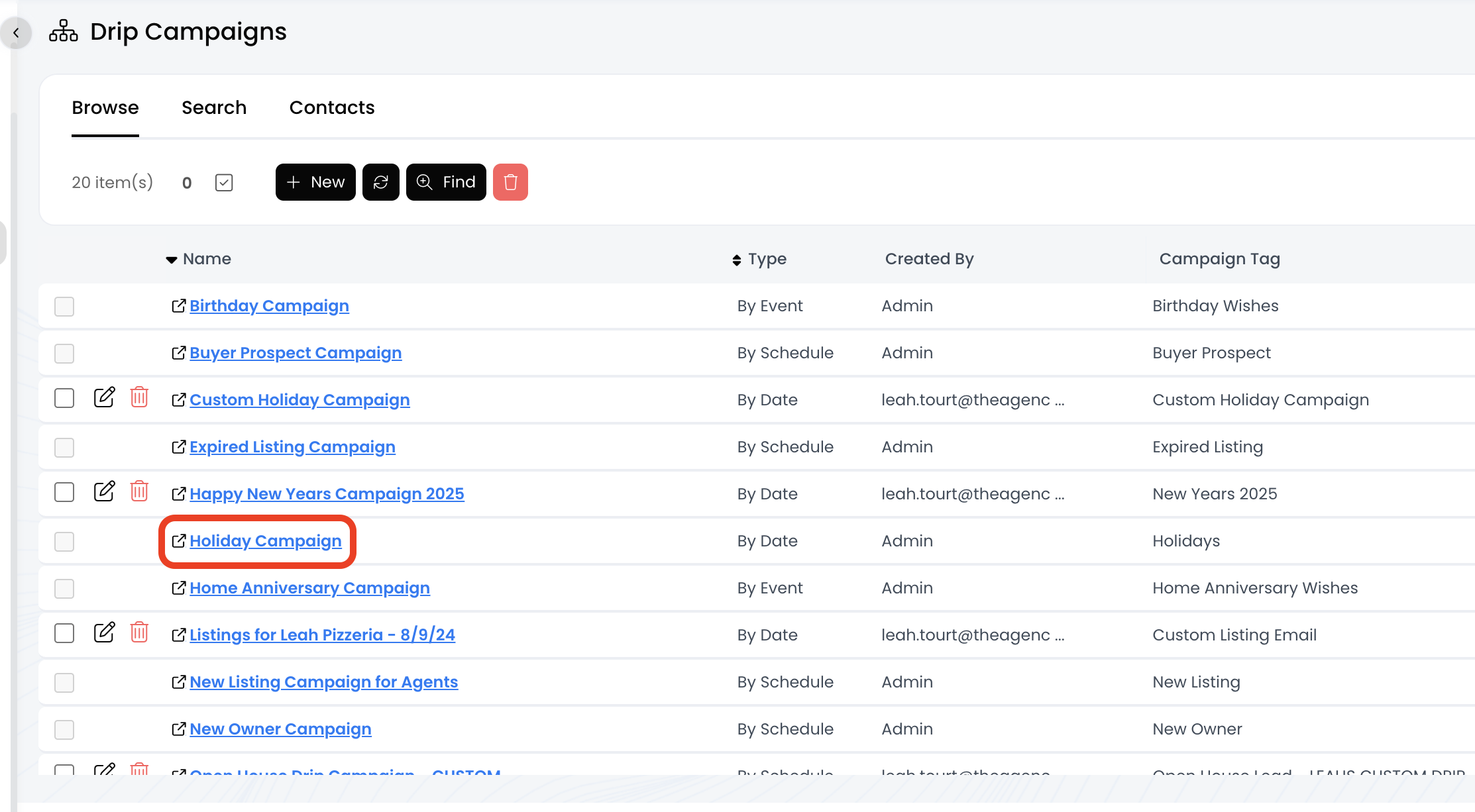
3.) Click on the drip campaign name (in blue)
4.) Click on the Contacts tab
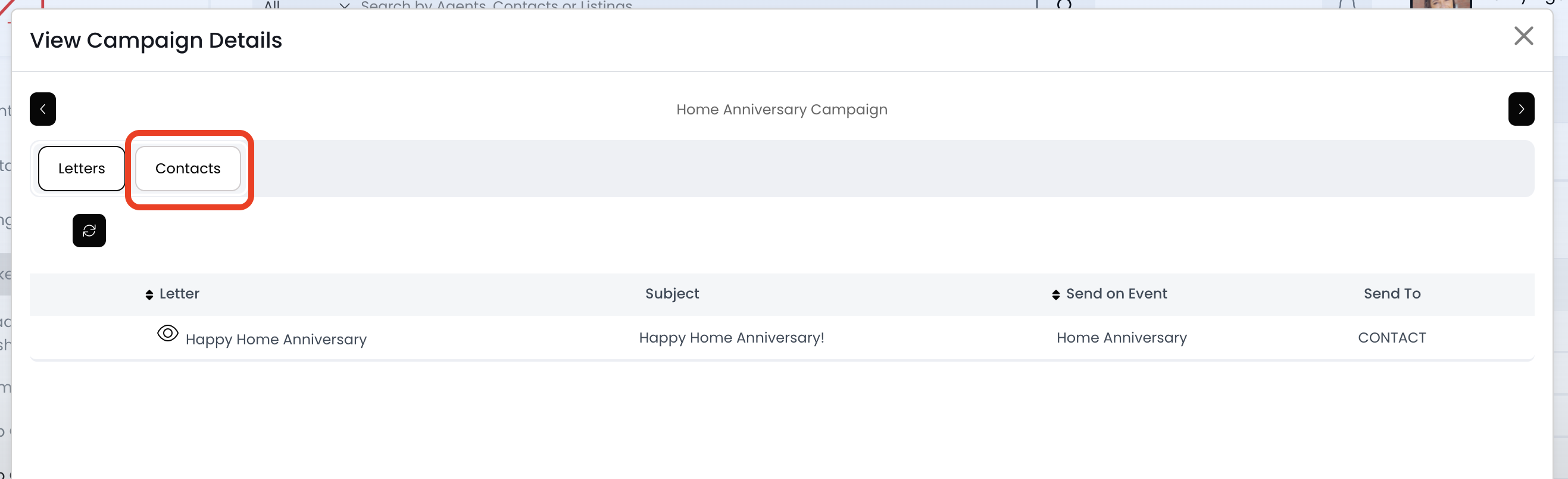
5.) Now you're viewing a list of all the contacts added to this drip campaign!