Open Houses: Create Registration Form

May 28, 2025
 29
29
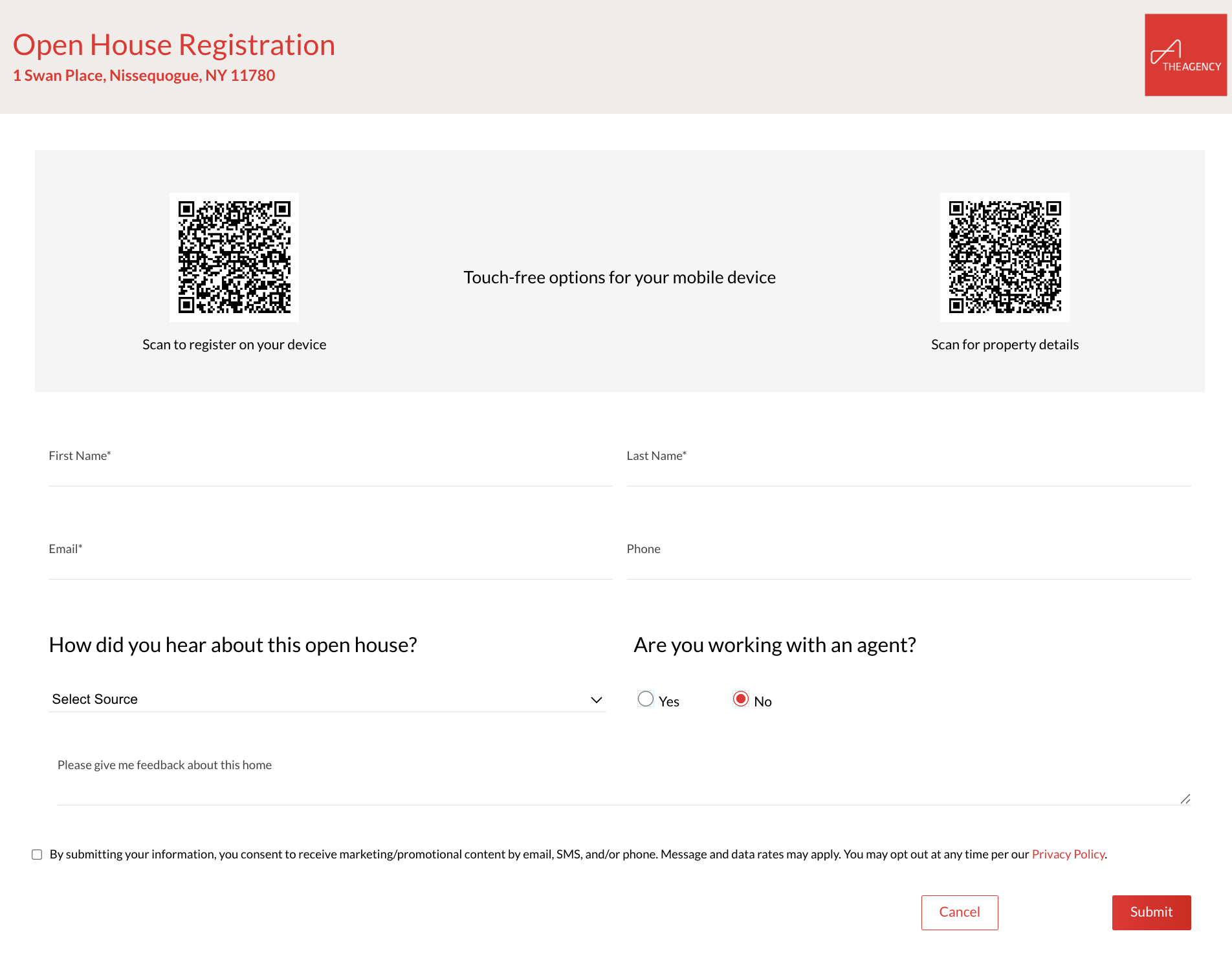
Use APT's Open House Registration tool to create a sign-in form for an open house! Once the form is submitted, APT will auto-create a contact with all the details from the form! Click here for a preview of the form.
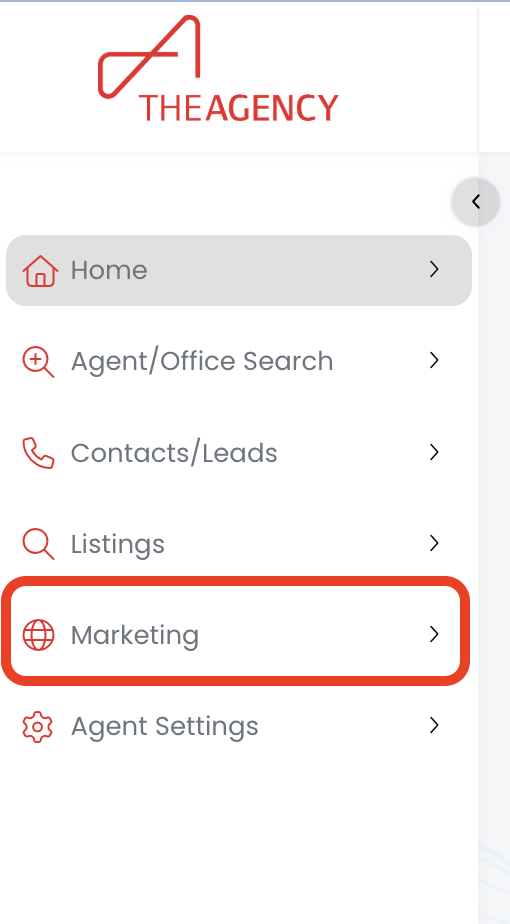
1.) Click on the Marketing menu
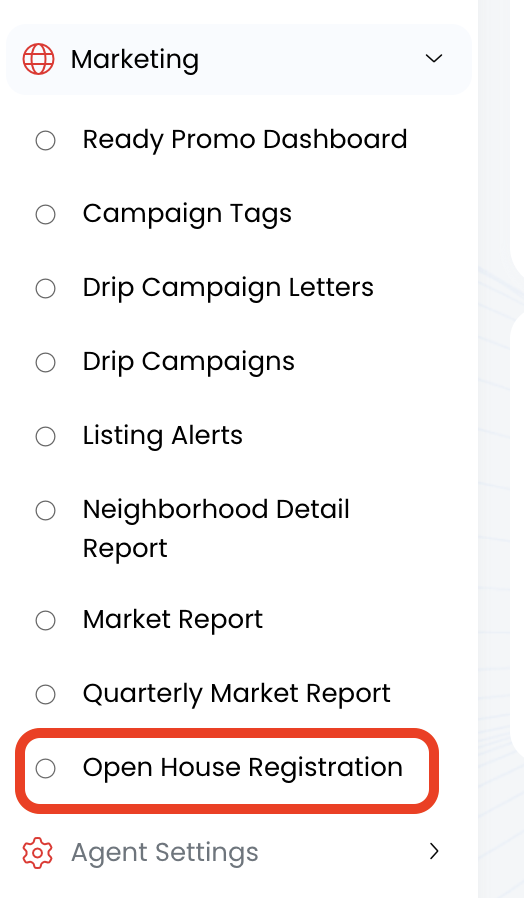
2.) Click on the Open House Registration option
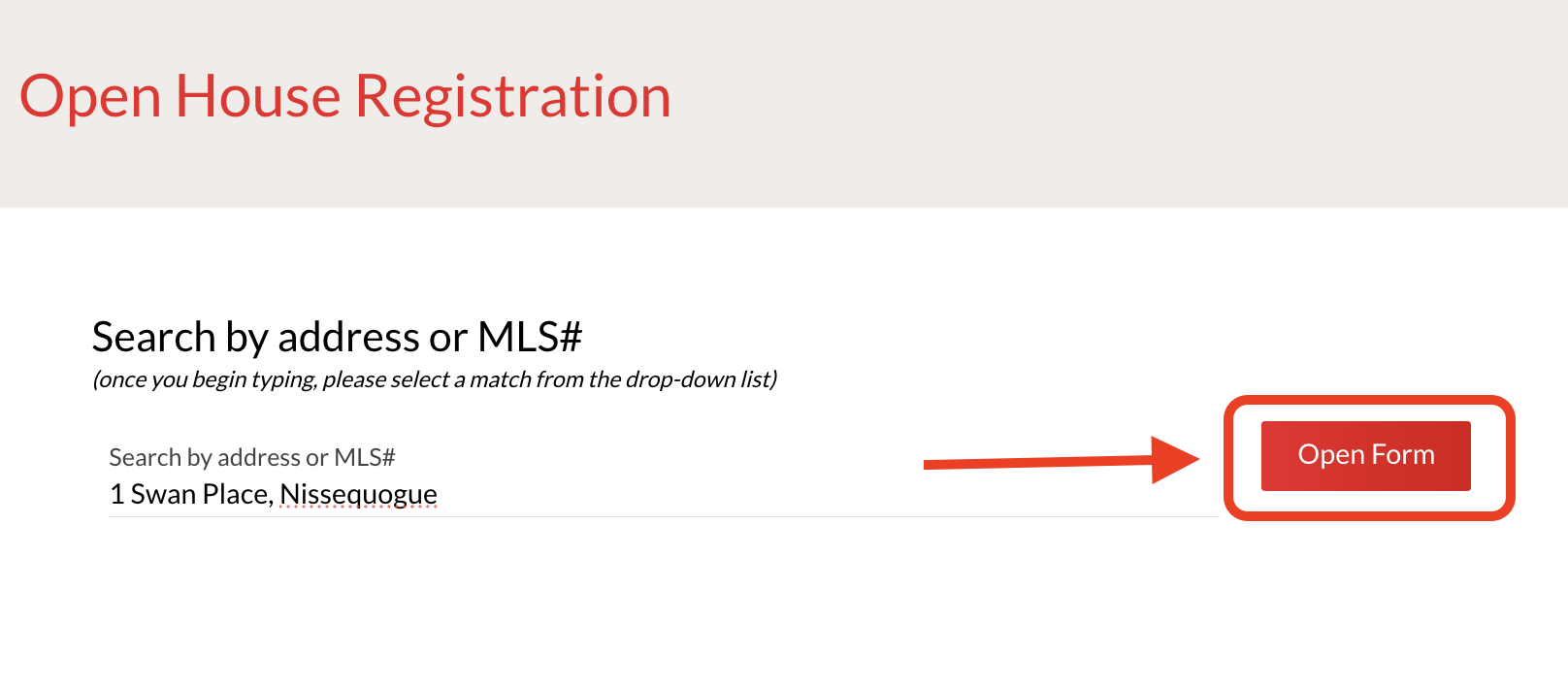
3.) Type in the listing's address or MLS ID #, and then click on the record that populates underneath
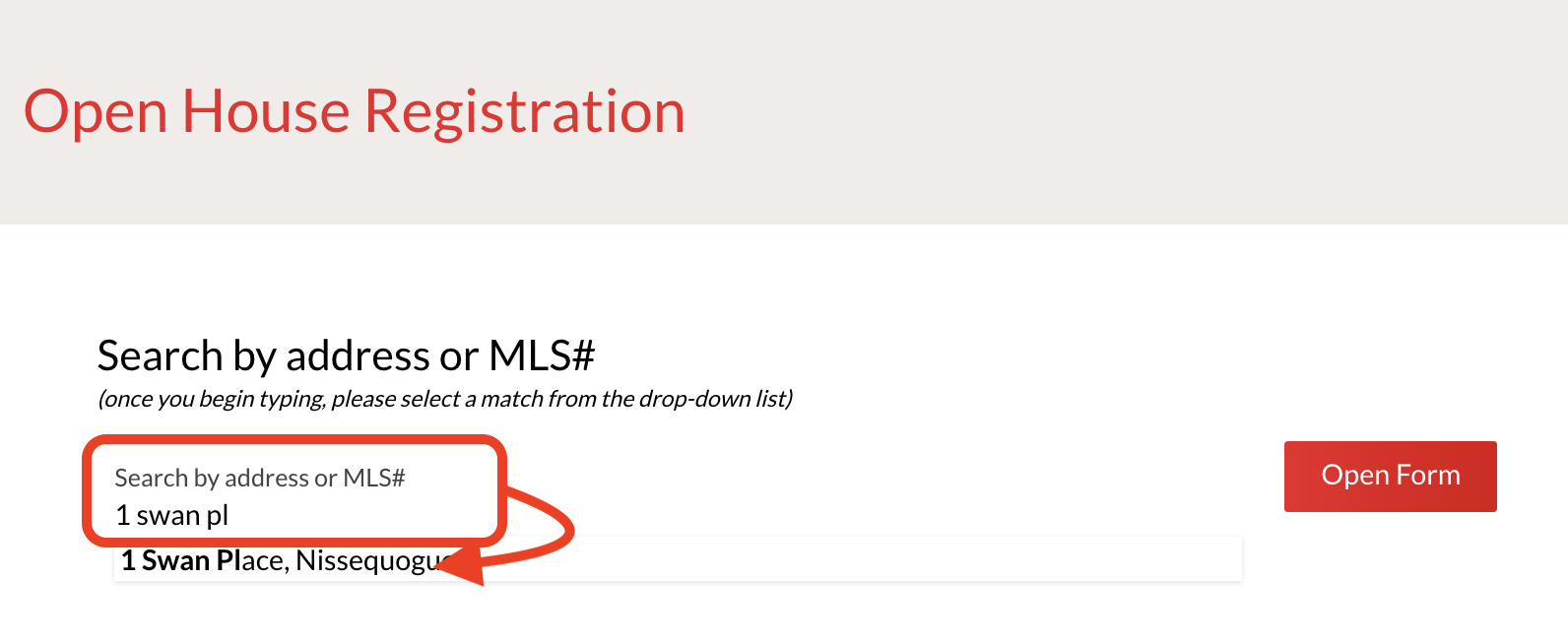
4.) Click on the Open Form button
5.) Now your form is ready!