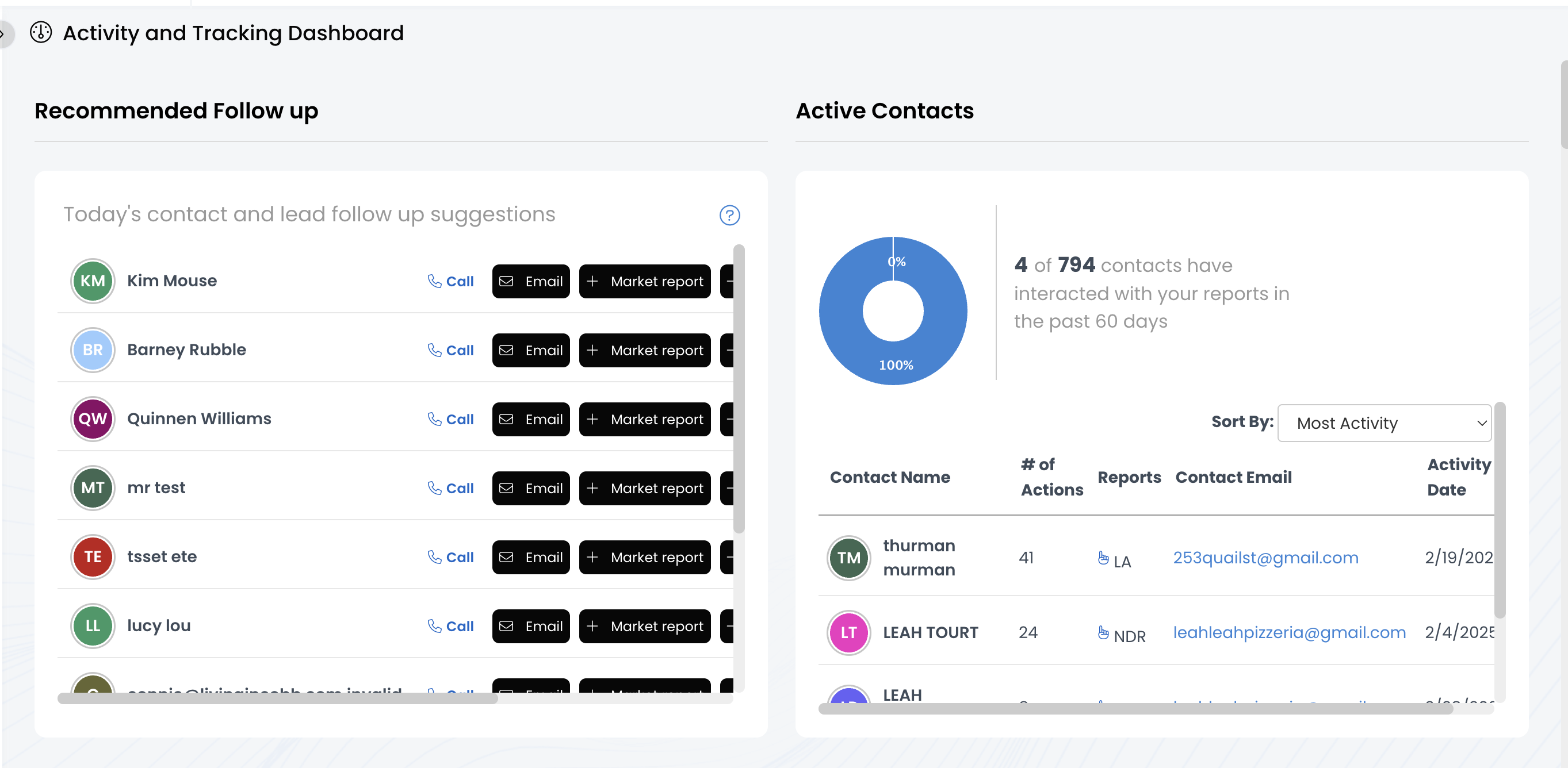
Analytics: View Activity & Tracking Dashboard

May 01, 2025
 6
6
The Activity & Tracking Dashboard tracks and compiles data from the website and APT. You'll find metrics related to Marketing reports, drip campaigns, listing analytics from the website, client birthdays & home anniversaries, and more! To learn more about the metrics in each chart, watch this video!
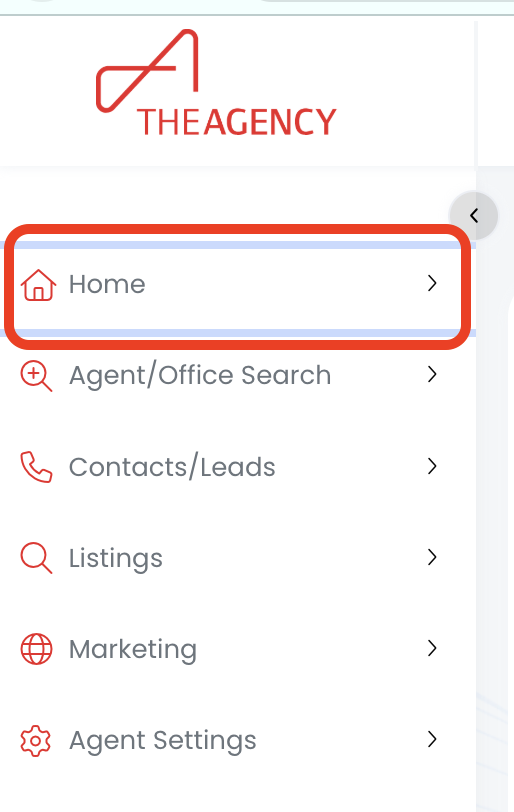
1.) Click on the Home menu
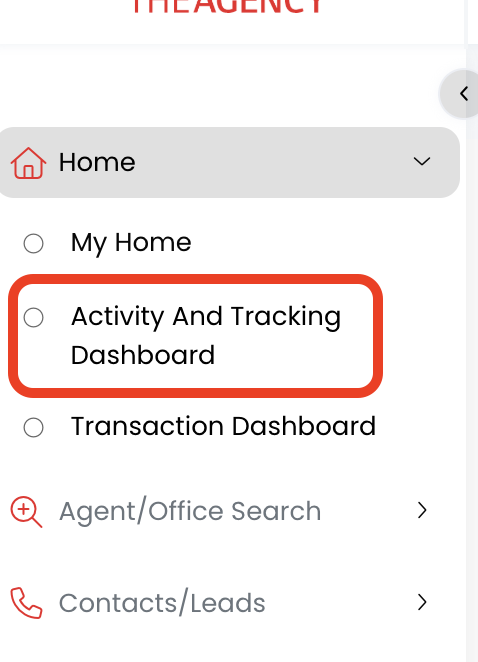
2.) Click on the Activity & Tracking Dashboard option
3.) Now you're viewing the Activity & Tracking Dashboard!