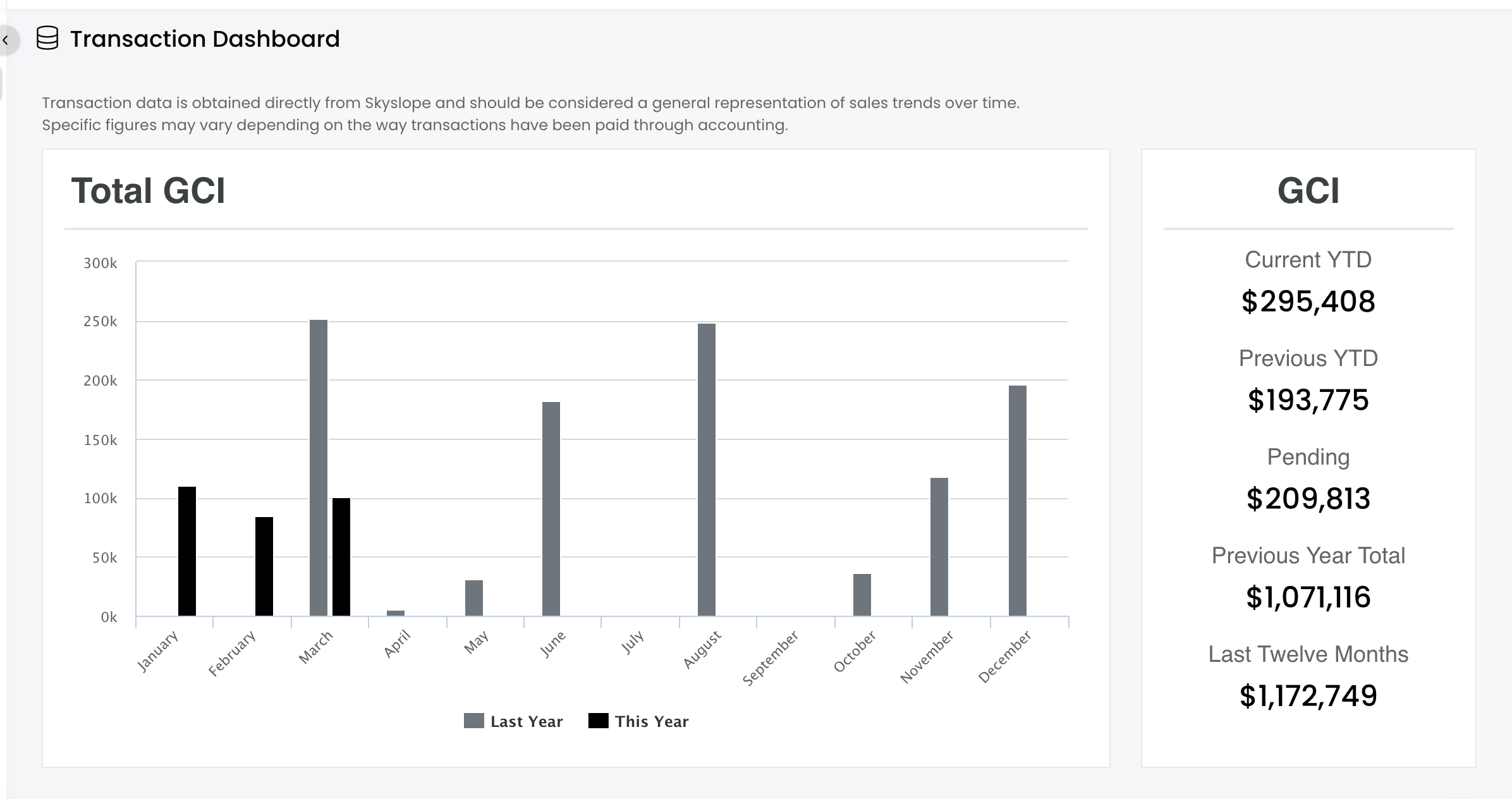

Analytics: View Transaction Dashboard
Last updated: May 29, 2025
57
views

The Transaction Dashboard in APT shows your closed production metrics. You'll see totals for your GCI, Volume, and Counts. You can also see metrics for Pending, Last Year, and Last 12 Months.
📺 Click here to watch a video tutorial 📺
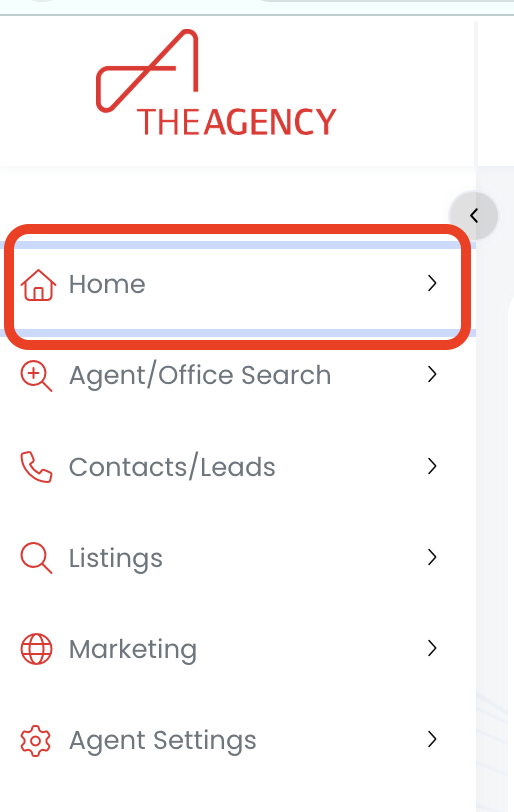
1.) Click on the Home menu
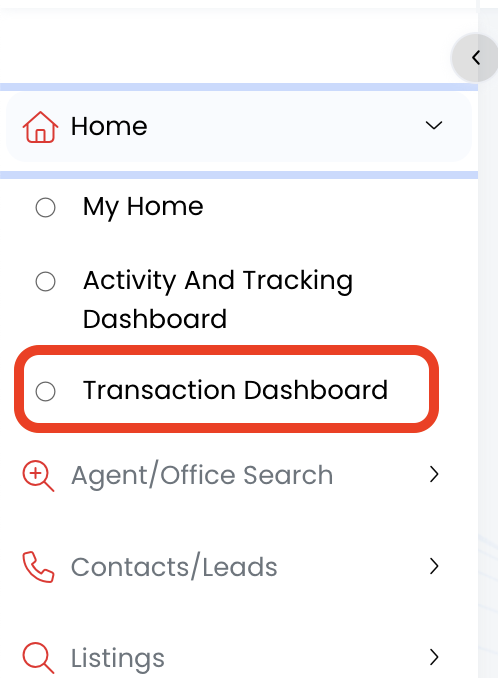
2.) Click on the Transaction Dashboard option
3.) Now you're viewing your Transaction Dashboard!